
Seedream 5.5: what's new, and where you can use it
Edits that leave the rest of the picture alone, and cut-outs with no background to remove. What ByteDance's new picture model does, its limits, and where to run it.
In this articleSeedream 5.5 is ByteDance’s newest picture model
Seedream 5.5 is ByteDance’s newest picture model
ByteDance’s Seed team released Seedream 5.5 on 9 November 2026, calling it “our next-generation image creation model” in its launch post. It follows Seedream 5.0, whose Pro version reached paying Dreamina and CapCut subscribers on 31 July 2026 (CapCut’s newsroom post of that day). It is the picture-making sibling of ByteDance’s video model, Seedance 2.5.
The launch post names three upgrades:
- Steadier edits, round after round. Seedream 5.5 keeps the parts of a picture you didn’t ask to change the same “at the pixel level”, without the colour drift and softening that build up when each edit feeds the next. ByteDance’s demo runs 100 edits on one portrait and is still placing rings and glasses frames precisely at the end.
- Transparent pictures from the start. It can make pictures with an alpha channel, fully or partly see-through, so a product, character or sticker comes out ready to place, with no background to remove.
- More natural photos and clearer small text. Lighting, materials and skin look closer to real photographs, with less of the glossy, overexposed look, and dense small text holds together, in Chinese characters as well as English.
ByteDance also says “a Pro version of the Seedream 5.5 series will follow”, with no date given on 13 November 2026.
What changed from Seedream 5.0
The clearest comparison is ByteDance’s own BytePlus API reference, which lists every Seedream side by side (read on 13 November 2026, last updated by BytePlus on 12 November):
| Seedream 5.0 Pro and Flash | Seedream 5.5 | |
|---|---|---|
| Sizes | 1K, 1.5K, 2K | 1K, 1.5K, 2K |
| Reference pictures | Up to 10 | Up to 10 |
| Transparent picture from a prompt | Not supported | Supported |
| Transparent picture from references | One reference, which must already have transparency | Up to 10 references, no transparency needed |
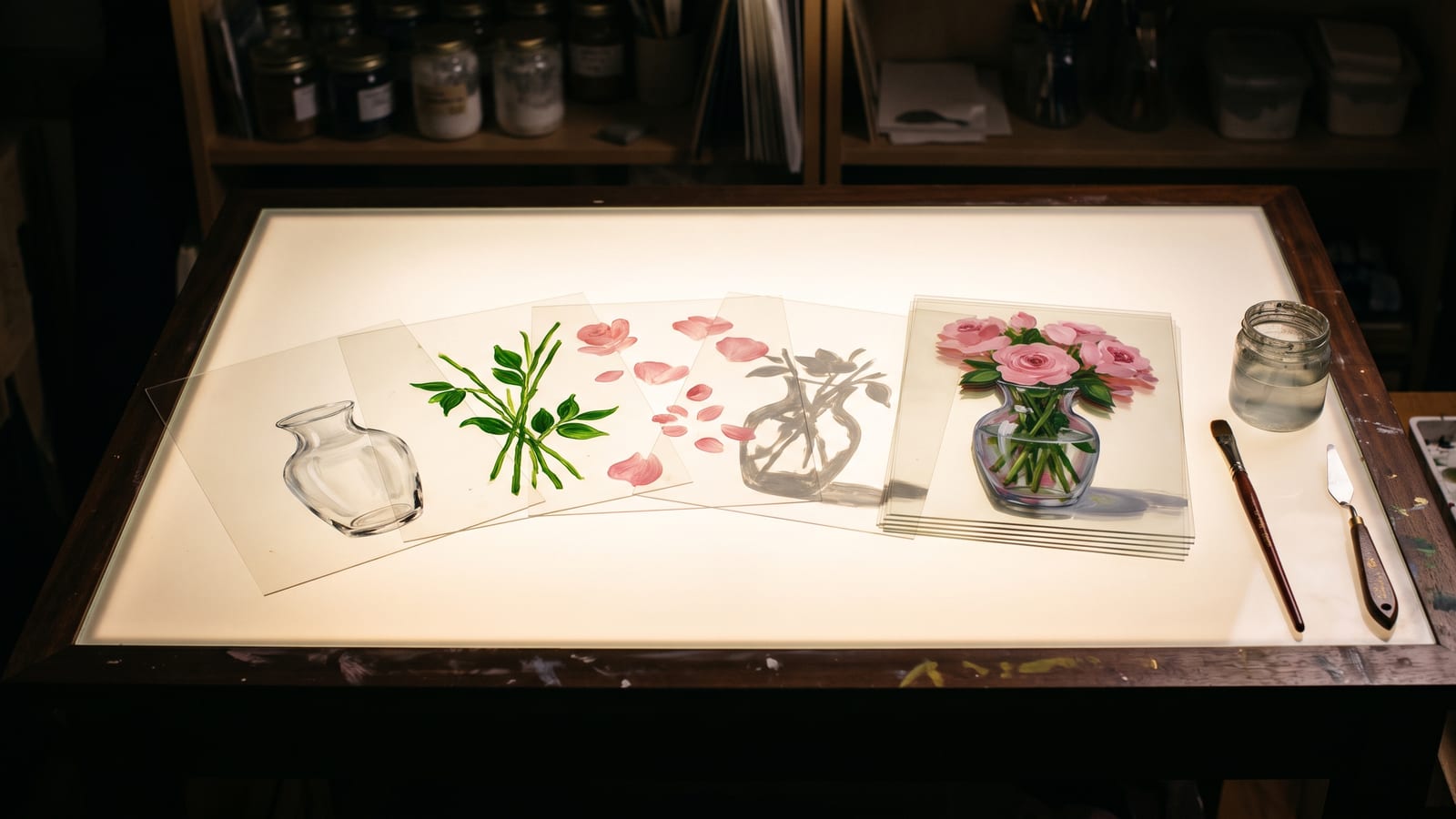
| Splitting a picture into layers | Up to 16 layers | Up to 99 layers, plus reading the text in them |
| Default file type | JPEG | PNG |
| Prompt languages | Chinese, English and 14 more | The same |
Two things did not move. The top size is still 2K: 2048 by 2048 for a square, 2816 by 1584 at 16:9, 1584 by 2816 at 9:16. And ByteDance’s API makes one picture per request with 5.5; the “sequential” mode that returns a related set in one go isn’t supported yet, nor are web search and streaming.
On quality, ByteDance reports its own tests across six kinds of work (e-commerce, marketing, film and television, gaming, office work and fashion design), scored by experienced evaluators on its MagicArena platform. It says 5.5 beat 5.0 Pro in all six, with more than twice as many usable results in film and television and in office work, and that against GPT Image 2.5 Sunburst and Nano Banana 2.1 it leads on text structure and on realism from a prompt. It also says its rate of severely broken text fell to 0.4%. These are ByteDance’s tests, not independent ones; run your own prompts before you switch a job over.
Transparent pictures and layers: what you can do with them
Transparency is the change most creators will feel first. On ByteDance’s API, the background setting takes auto, transparent or opaque; transparent needs PNG, and the API reference says a request for a transparent JPEG fails. On Higgsfield it is a Background setting: “pick it” and you get “a PNG with nothing behind the subject”. fal’s edit model and Kie.ai offer the same background choice.
What it is good for, from ByteDance’s own examples on the Seedream 5.5 page:
- Product and character cut-outs that drop straight onto an ad, a thumbnail or a slide.
- Sticker sets, each sticker on its own see-through background.
- A sequence of frames (ByteDance’s example: a girl running to the right), each on its own layer, ready to animate.
- Styled lettering in the texture of a reference picture, with nothing round the letters.
- A character set made once with a transparent background, then used as references for new scenes, which ByteDance says keeps their features and textures. If you keep a character consistent across a series, that is a clean way to make your reference sheet.
Layer decomposition is a separate job. Give it one finished picture and it splits it into a base picture and up to 99 layers (subjects, background, text), each a PNG with transparency, with each layer’s name, position and stacking order. With text recognition on, it also returns the words in plain text layers and their style (bold, italic, underline and so on), though not for hand lettering or artistic text. BytePlus, fal (bytedance/seedream/v5.5/layerize) and Kie.ai (seedream/5-5-layer-decomposition) each list it as its own model.
Where you can use Seedream 5.5
Checked on each company’s own page on 13 November 2026. For prices, see each one’s pricing page: they differ by size and by how many reference pictures you send.
| Where | How | Worth knowing |
|---|---|---|
| Higgsfield | In its image tool, on your plan | 1K, 1.5K or 2K, nine aspect ratios; “currently all regions except the US” |
| Dreamina | ByteDance’s own creative app | The page says to “choose Seedream 5.5 when available”, and that access depends on your account |
| Dola and BytePlus | Linked from ByteDance’s model page | The BytePlus API calls it dola-seedream-5-5-261028 |
| fal | API, pay per picture | Text to image, edit and layerize; up to six pictures a request; no watermark unless you ask |
| Kie.ai | API, pay per picture | Text to image, image to image and layer decomposition |
| OpenRouter | API, pay per picture | One picture a request; not offered through its EU in-region routing |
If you already pay for Higgsfield, that is the easiest way in, unless you are in the US. If you work through an API key, fal, Kie.ai and OpenRouter all had it within days of launch.
The limits worth knowing before you start
- 2K is the ceiling. For print or a large screen, upscale afterwards, or use Seedream 5.0 Lite or 4.5, which ByteDance’s API still offers at 4K.
- Ten reference pictures at most, up to 30 MB each. The older Seedream 5.0 Lite, 4.5 and 4.0 take 14.
- ByteDance’s API adds a watermark by default: an “AI-generated” mark in the bottom right corner, unless you set
watermarkto false. fal’s default is the opposite. - Download links expire. ByteDance’s API returns a link that is “valid for 24 hours after the image is generated”, and its own advice is to “download the image promptly”. On fal, turning on sync mode means the picture isn’t kept in your request history.
- Transparent means PNG. Ask for JPEG and you get no transparency; on ByteDance’s API the request fails.
Keeping the PNGs you make
A model like this makes a lot of small, reusable pieces: cut-outs, stickers, a dozen versions of one picture edited round after round. They are only useful if you can find the right one later, and a 24-hour link or a long generation history isn’t a place to keep them.
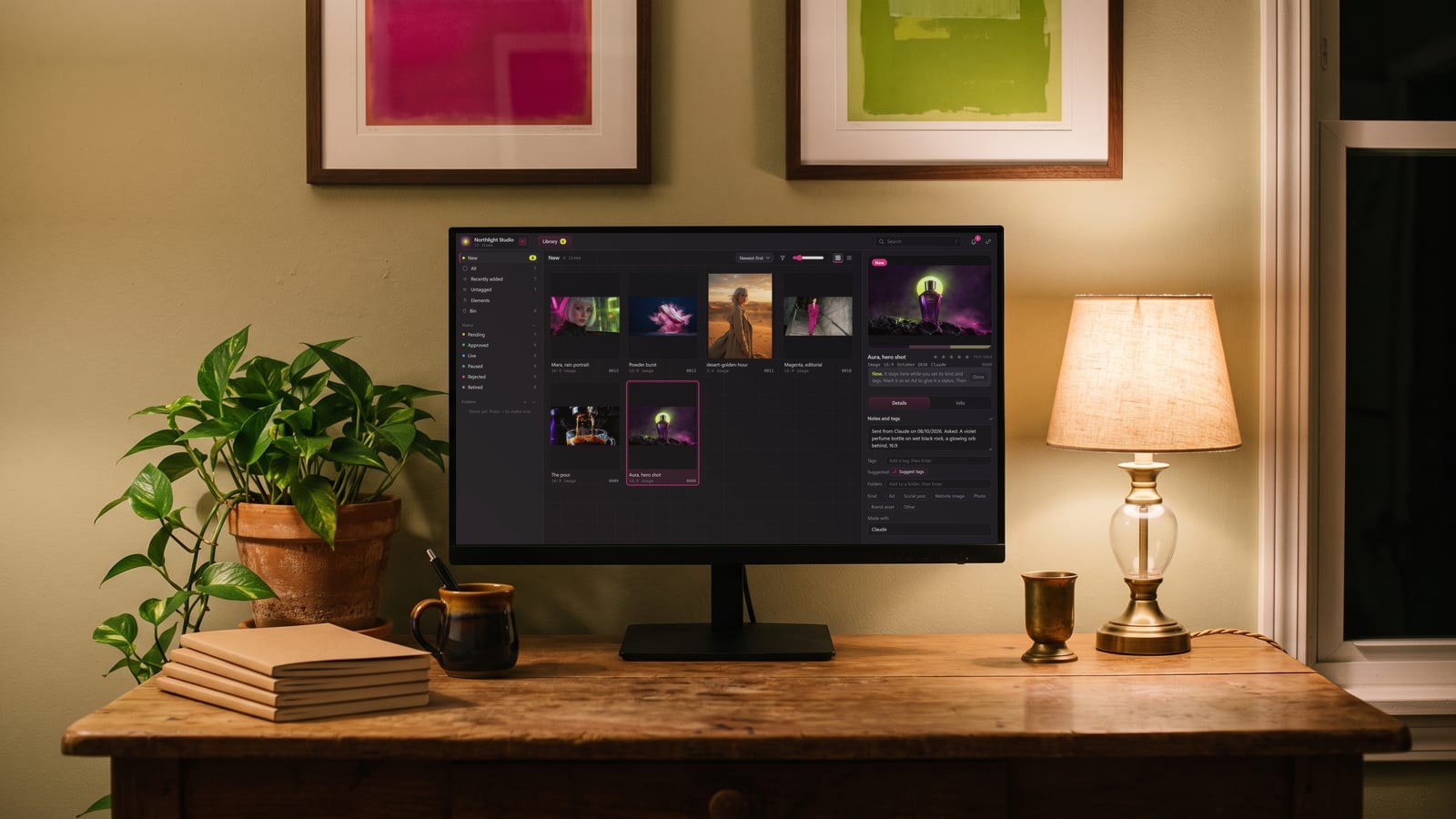
That is the part we built BosOn for. It’s a desktop app for Windows and Mac, in early access, that keeps everything you make in one library. Your Higgsfield history comes in with one click, and the Higgsfield plan, the Higgsfield API and fal are all Ready to connect on our integrations page. If you’ve lost track of where your pictures went, our guide to where AI images are saved goes through each platform.
Questions people also ask
When was Seedream 5.5 released?
ByteDance's Seed team announced Seedream 5.5 on 9 November 2026, in a post titled "More Realistic Images, More Stable Editing Across 100 Rounds". It is the successor to Seedream 5.0, and ByteDance says a Pro version of the 5.5 series will follow, without giving a date.
Can Seedream 5.5 make transparent PNGs?
Yes. Seedream 5.5 can make pictures with an alpha channel, fully or partly transparent, from a prompt or from reference pictures. In ByteDance's API you set the background to transparent and keep the format as PNG; asking for a transparent JPEG fails. On Higgsfield it is the Background setting.
What is the maximum resolution of Seedream 5.5?
2K. ByteDance's API offers 1K, 1.5K and 2K, where 2K is 2048 by 2048 for a square or 2816 by 1584 at 16:9. Seedream 5.0 Lite and Seedream 4.5 can go to 4K in the same API, so pick one of those, or upscale, when you need more pixels.
Is Seedream 5.5 available in the US?
Not on Higgsfield: its changelog says Seedream 5.5 is in all regions except the US. fal, Kie.ai and OpenRouter list it on their sites without that note, and ByteDance's own Dreamina page says to choose Seedream 5.5 when it is available on your account.
How many reference images does Seedream 5.5 take?
Up to 10, according to ByteDance's API reference, the same as Seedream 5.0 Pro and Flash. Seedream 5.0 Lite, 4.5 and 4.0 take up to 14. Each picture can be up to 30 MB.
Is Seedream 5.5 better than Nano Banana or GPT Image?
ByteDance says its own expert evaluations put Seedream 5.5 ahead of GPT Image 2.5 Sunburst and Nano Banana 2.1 on text structure and on realism from a prompt. Those tests were run by ByteDance, so try your own prompts on each before switching.
Sources
- ByteDance Seed: More Realistic Images, More Stable Editing Across 100 Rounds | Introducing Seedream 5.5 (9 November 2026)
- ByteDance Seed: Seedream 5.5
- BytePlus ModelArk: Image generation API
- Higgsfield: Changelog
- fal: Seedream 5.5 Edit
- fal: Seedream 5.5 Text to Image
- Kie.ai: Seedream 5.5 API
- OpenRouter: Seedream 5.5
- Dreamina: Seedream 5.5 AI Image Generator and Editor
- CapCut Newsroom: Giving creators more control with Dreamina Seedance 2.5 and Dola Seedream 5.0 Pro (31 July 2026)
Keep reading
All guides-
Model explainer20 November 2026
Kling Image 4.0: what it does, and where you can use it
-
Model explainer17 November 2026
Seedance 2.5 and 2.5 Flash: what they are, what changed, and where to use them
-
Model explainer10 November 2026
Gemini Omni 1.2 Flash: Google's video model you edit by talking to it
Make it anywhere, find it in BosOn.
Every picture, video and sound you make with AI, in one library on your computer.
Request early accessNight drive, made with Kling 3.0 from a GPT Image 2.5 still