
Kling Image 4.0: what it does, and where you can use it
Posters with whole paragraphs that read, sets of ten pictures in one style, and files big enough for print. What Kling's new picture model does, its limits, and where to run it.
In this articleKling Image 4.0 is Kling’s new picture model, not its video model
Kling Image 4.0 is Kling’s new picture model, not its video model
Kuaishou’s Kling AI launched Kling Image 4.0 on the evening of Tuesday 17 November 2026 (TechNode’s report of 18 November), and published a user guide for it the next day. Kling says it “delivers significant improvements in visual realism, text rendering, instruction understanding, and consistency.”
The name trips people up. Kling 4.0 is Kling’s video model, out since 15 October 2026. Kling Image 4.0 makes still pictures. Kling is best known for video, and a picture model with the same version number is a natural partner for it: a good still is where a good clip starts.
What Kling’s guide lists, read on 20 November 2026:
- Native 2K, 4K and 8K. Kling says “native 8K image generation is now available”, meaning the model draws at that size rather than upscaling afterwards. The AI Image Generator page says to “choose from 2K, 4K, or 8K based on your needs.”
- Long text that reads. Up to 2,000 characters in a single picture, small text and multi-section layouts included.
- Fonts. More than 70 commercially licensed preset fonts, or name a font, or upload a picture of one for it to follow.
- Sets of up to 10. Series mode returns up to 10 related pictures from one prompt, keeping the same subjects and style.
- Up to 10 reference pictures per request, and prompts of up to 15,000 tokens.
- Nine shapes: Auto, 1:1, 3:4, 4:3, 2:3, 3:2, 9:16, 16:9 and 21:9.
The languages Kling’s guide names for text are Chinese, English, Japanese, Korean, Spanish and Portuguese. Higgsfield’s changelog and Runware’s listing say seven languages, without naming them.
Long product pages and website designs in one picture
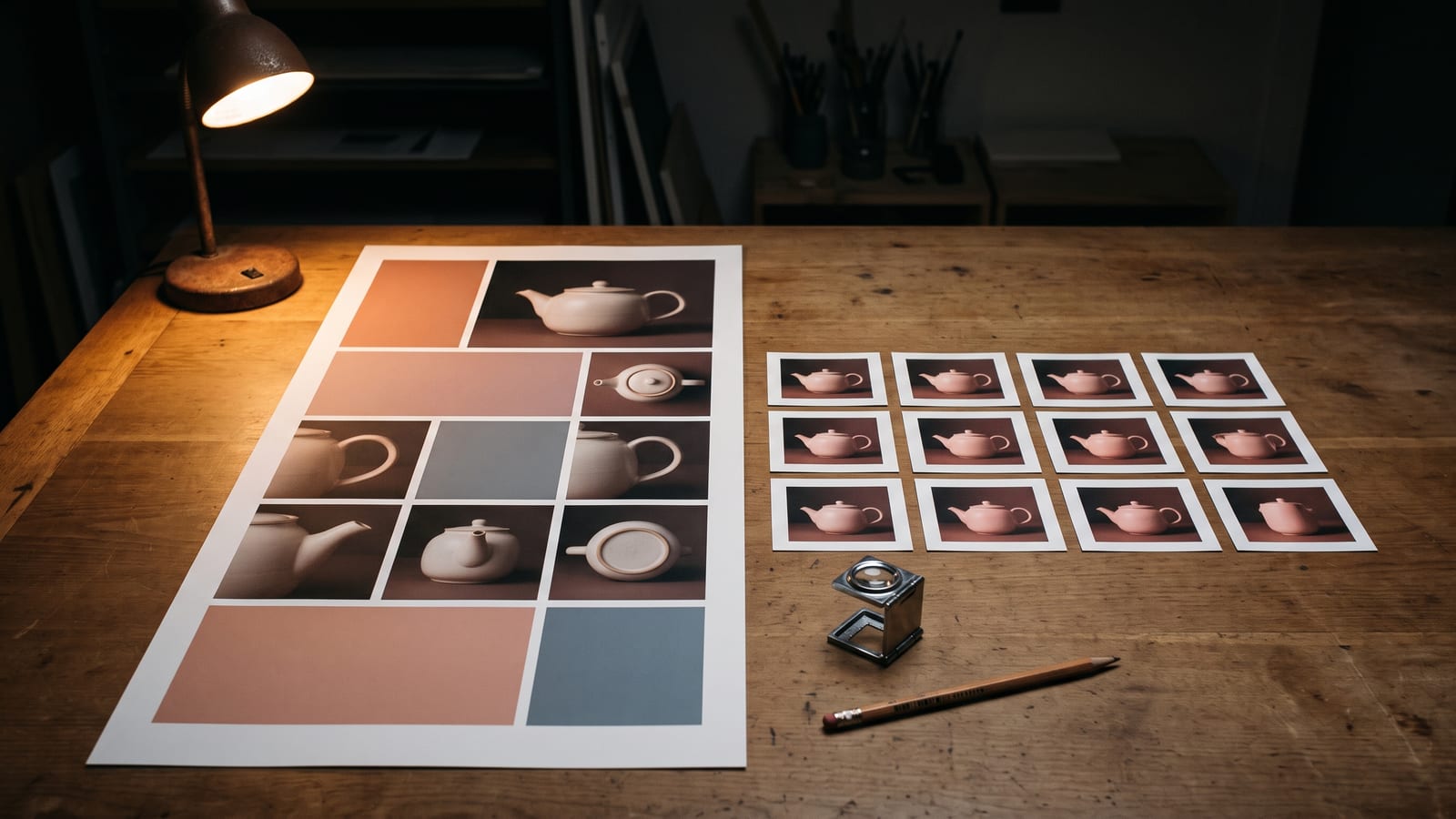
The feature that sets it apart from most picture models is the long picture: a whole e-commerce product page, or a website design, made in one go as one tall image. Kling’s guide suggests building the prompt as “[Product Description] + [Required Content Sections]”, listing what the page needs: a hero picture, key features, materials, specifications, how it’s used, views from several angles, diagrams and comparisons. For websites, it names brand, game, personal profile and e-commerce sites.
The settings are clearest in the Comfy Router documentation, which serves the long-picture model from Kling (read on 20 November 2026):
| Setting | E-commerce page | Website design |
|---|---|---|
| Pictures you give it | 1 to 3 product photos | At most one style reference and one subject reference |
| Length | Short, medium or long | Not used |
| Size | 1K or 2K (1K by default) | 1K or 2K (1K by default) |
So 8K is for single pictures and sets, not long pages. Kling’s guide adds a Layer Editor for pictures made with Kling Image 4.0: it separates “text, backgrounds, elements, and shapes into individual layers”, and each layer can be moved, replaced, deleted, downloaded or made again. So a wrong headline on a product page can be changed on its own layer, without making the whole page again.
Where you can use Kling Image 4.0
Checked on each company’s own page on 20 November 2026. For prices, see each one’s pricing page: they change with the size you pick.
| Where | How | Worth knowing |
|---|---|---|
| Kling | Kling’s own site and app | 2K, 4K or 8K; Series mode, long pictures and the Layer Editor are Kling’s own tools |
| Higgsfield | In its Image tool, on your plan | 2K by default, with 4K and 8K; from text and reference pictures |
| Krea | In its Image tool | 2K, 4K or 8K; up to 10 reference pictures |
| Runware | API | Native 2K, 4K and 8K; up to 10 references and sets of 10 |
| Morphic | Coming soon, on every plan | 2K or 4K only; references named @Image1 to @Image10 |
TechNode reports the model is also available through Kling’s API for developers and businesses. Kling’s own developer pricing page didn’t show the model in a form we could read on 20 November 2026, and fal’s model search listed only the Kling 4.0 video models that day. If you already pay for Higgsfield or Krea, either is the easiest way in. If you want the long pages and the Layer Editor, go to Kling itself: the platforms list single pictures, and none of the pages we read mention those two tools.
Prompting it the way Kling suggests
Kling’s guide is long (it says 132 minutes to read) and full of templates. The useful patterns:
- For a natural photo, write the subject, what they’re doing, where, and how it was shot. Kling suggests phrases such as “Shot on phone” and “Photorealistic” for the casual, real-life look.
- For characters, describe particular features (face shape, hairstyle, a prop that says something about them) and avoid generic phrases like “refined facial features”, which the guide calls out by name.
- For group shots, say how many people there are, where each one stands, and what each wears, does and looks at.
- For a reference sheet, ask for a plain white background, even lighting, and the layout of front, side, back and close-up views. That sheet then becomes the reference pictures for every scene after it, which is how you keep a character consistent across a series.
- For a storyboard in Series mode, set the overall style and shape first, describe the characters once, then give one moment per frame, and say what must stay the same. The guide’s examples use 4 to 10 frames.
- For archive or documentary looks, describe the texture (film grain, an aged print) rather than just writing “realistic”.
From still to clip, and keeping what you make
A storyboard of ten matching frames is also ten start frames. Kling 4.0 and other video models take a picture as the first frame of a clip, and our guide to turning an image into a video covers what makes a still move well.
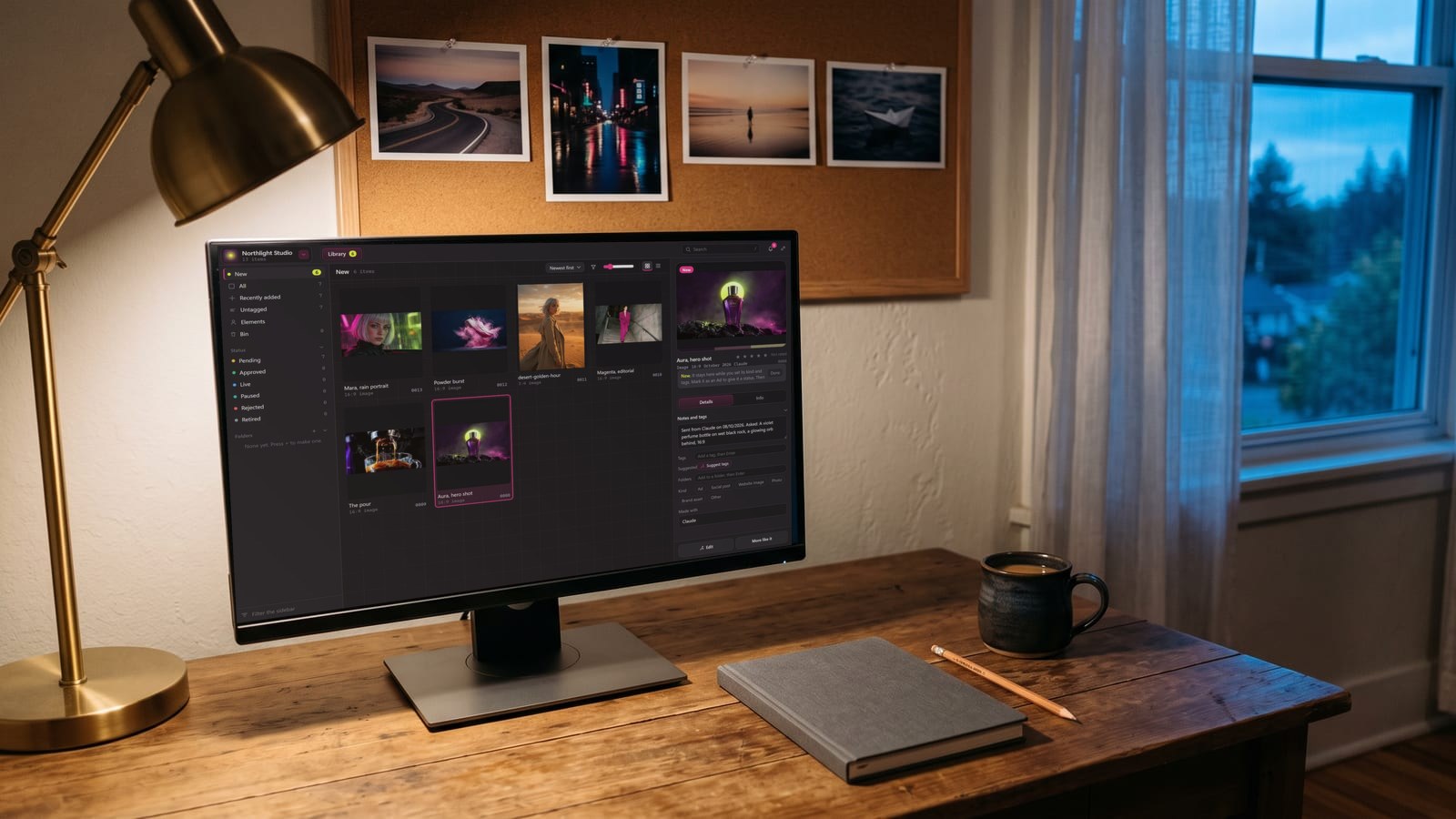
That workflow makes a lot of files: sets of ten, 8K masters, long pages and their edited layers, spread across whichever platforms you used. That is the part we built BosOn for. It’s a desktop app for Windows and Mac, in early access, that keeps everything you make in one library, so a frame from last week’s storyboard is a search away. Your Higgsfield history comes in with one click, and the Higgsfield plan, the Higgsfield API and fal are Ready to connect on our integrations page.
Questions people also ask
When was Kling Image 4.0 released?
Kling AI, Kuaishou's AI creation platform, launched Kling Image 4.0 on the evening of 17 November 2026, and published its user guide the next day. It is a picture model, separate from the Kling 4.0 video model, which launched in October 2026.
Is Kling Image 4.0 the same as Kling 4.0?
No. Kling 4.0 is Kling's video model, launched globally on 15 October 2026. Kling Image 4.0 makes still pictures. They share a version number and work well together: a still from Kling Image 4.0 can be the start frame of a Kling 4.0 clip.
Can Kling Image 4.0 really make 8K pictures?
Kling says so: its user guide lists native picture generation at 2K, 4K and 8K, made by the model rather than upscaled. Not every platform offers 8K. Higgsfield, Krea and Runware list it; Morphic's page says it will offer 2K or 4K. The long-page mode is 1K or 2K only.
How much text can Kling Image 4.0 put in a picture?
Kling's guide says it reliably generates up to 2,000 characters in a single picture, with more than 70 commercially licensed preset fonts, or a font copied from a reference picture you upload. The languages it lists are Chinese, English, Japanese, Korean, Spanish and Portuguese.
How many reference images does Kling Image 4.0 take?
Up to 10 reference pictures per request, according to Kling's user guide, and prompts of up to 15,000 tokens. In Series mode it can return up to 10 related pictures from one prompt, keeping the same subjects and style.
Sources
- Kling AI: Kling Image 4.0 User Guide (18 November 2026)
- Kling AI: AI Image Generator
- Higgsfield: Changelog
- Krea: Kling Image 4.0 by Kling
- Runware: Kling AI models
- Morphic: Kling Image 4.0
- Comfy Router docs: Kling Long Image 4.0
- TechNode: Kuaishou launches Kling Image 4.0 with native 8K generation (18 November 2026)
Keep reading
All guides
Make it anywhere, find it in BosOn.
Every picture, video and sound you make with AI, in one library on your computer.
Request early accessNight drive, made with Kling 3.0 from a GPT Image 2.5 still