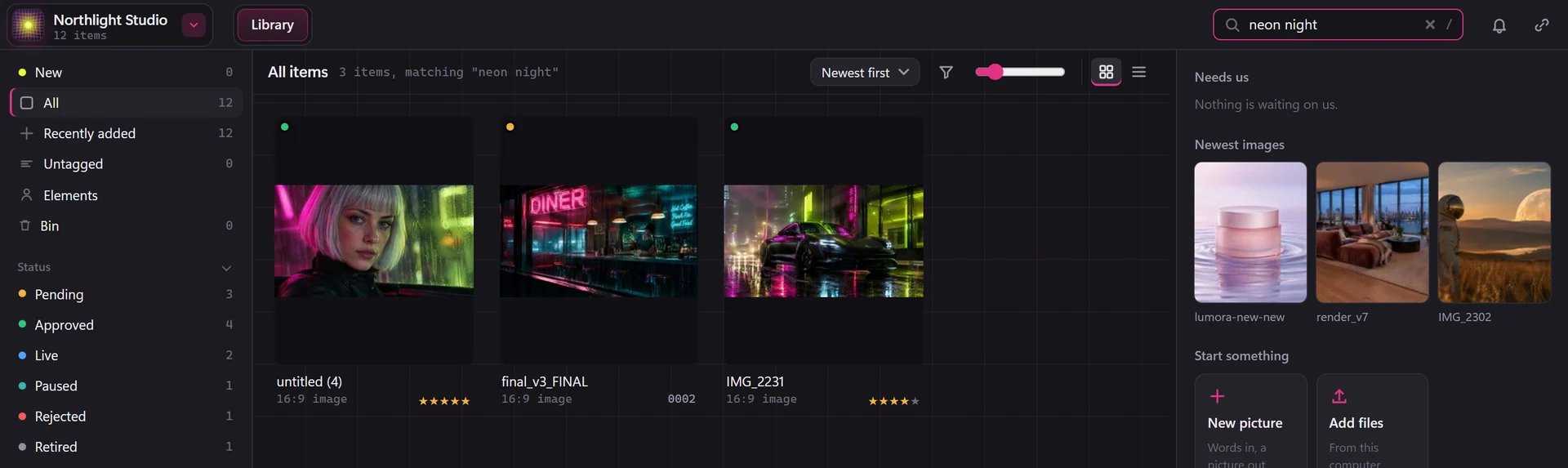
Juggling too many AI platforms, and can't find your assets?
Keep it all in one place, and find it easily.
 Northlight Studio


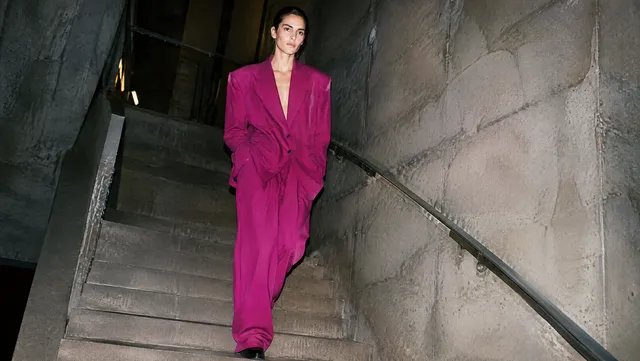
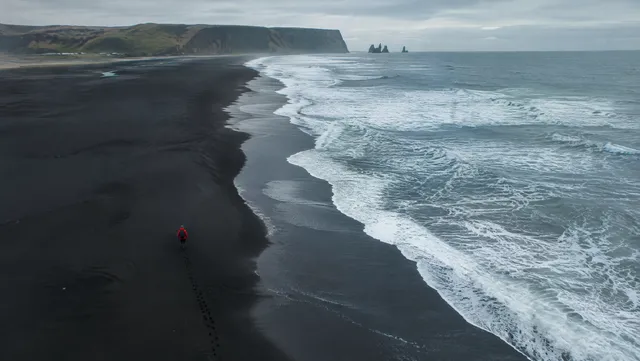
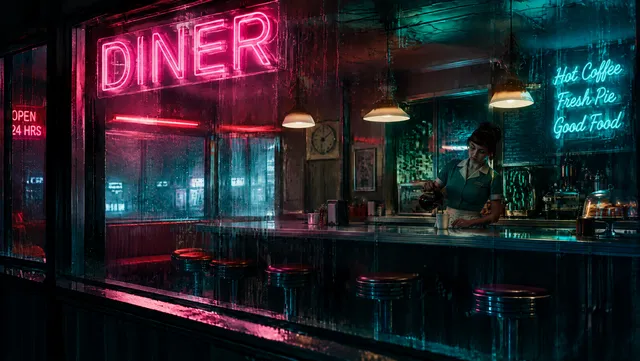
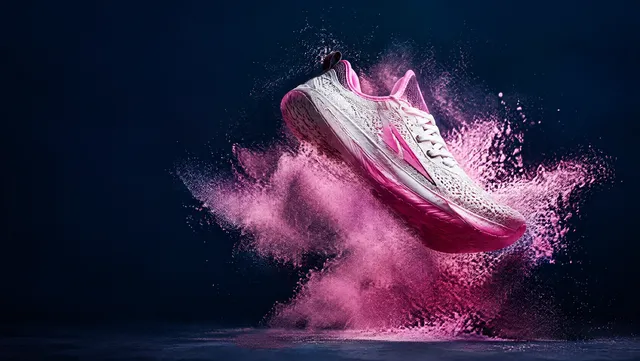
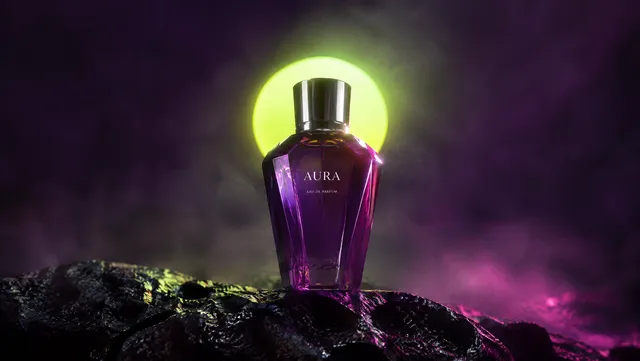
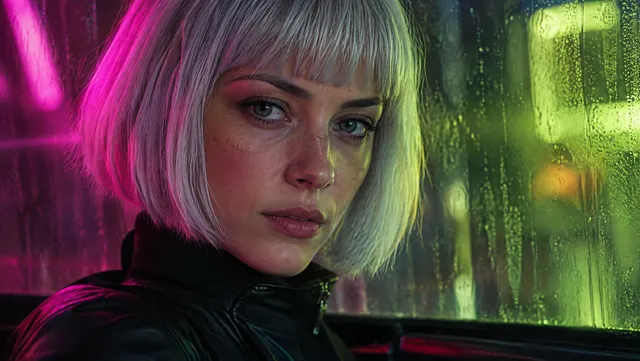

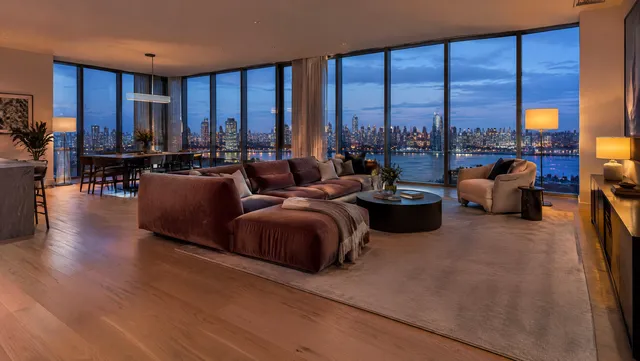
Everything labelled and tagged for you, so you find it by what's in it, not a random file name.
What's in it
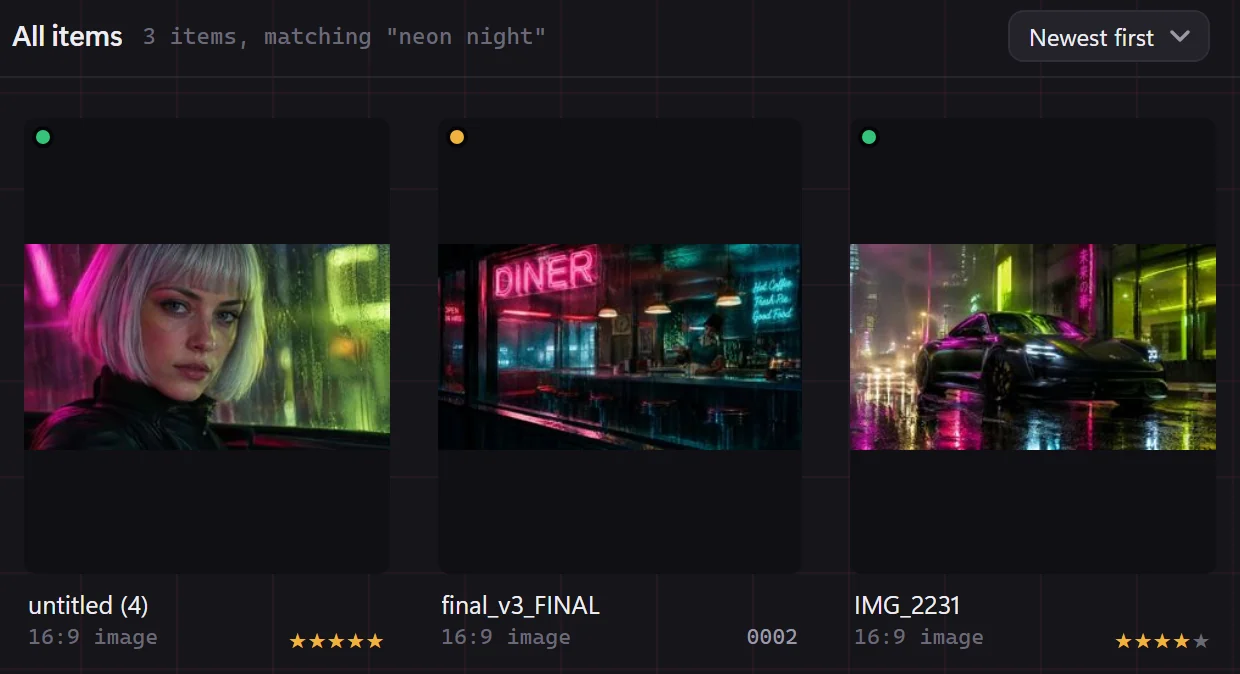
Connect an AI and turn on Suggest tags, and BosOn describes each new picture for you. Then type what you remember: "neon night" brings up the car saved as IMG_2231.
What made it
Filter by the model: every Kling 3.0 clip, every Nano Banana 2 still.
Your best work
Rate as you go, then pull up the five-star ones when a brand asks for your best.
What it's for
Ads, social posts, website images or photos. Show just the social posts when you're planning the week.
Save any search or filter as a smart folder.
Each piece keeps the details you'd forget.
What you asked for
Sent from Claude or Codex? The prompt comes with it, and the app that sent it.
Made with
See which tool or model made it, so you can make more like it.
How good it is
Five stars for the keepers, and a filter for them later.
Tags in one click
Suggest tags looks at the picture and offers tags you add in one click.
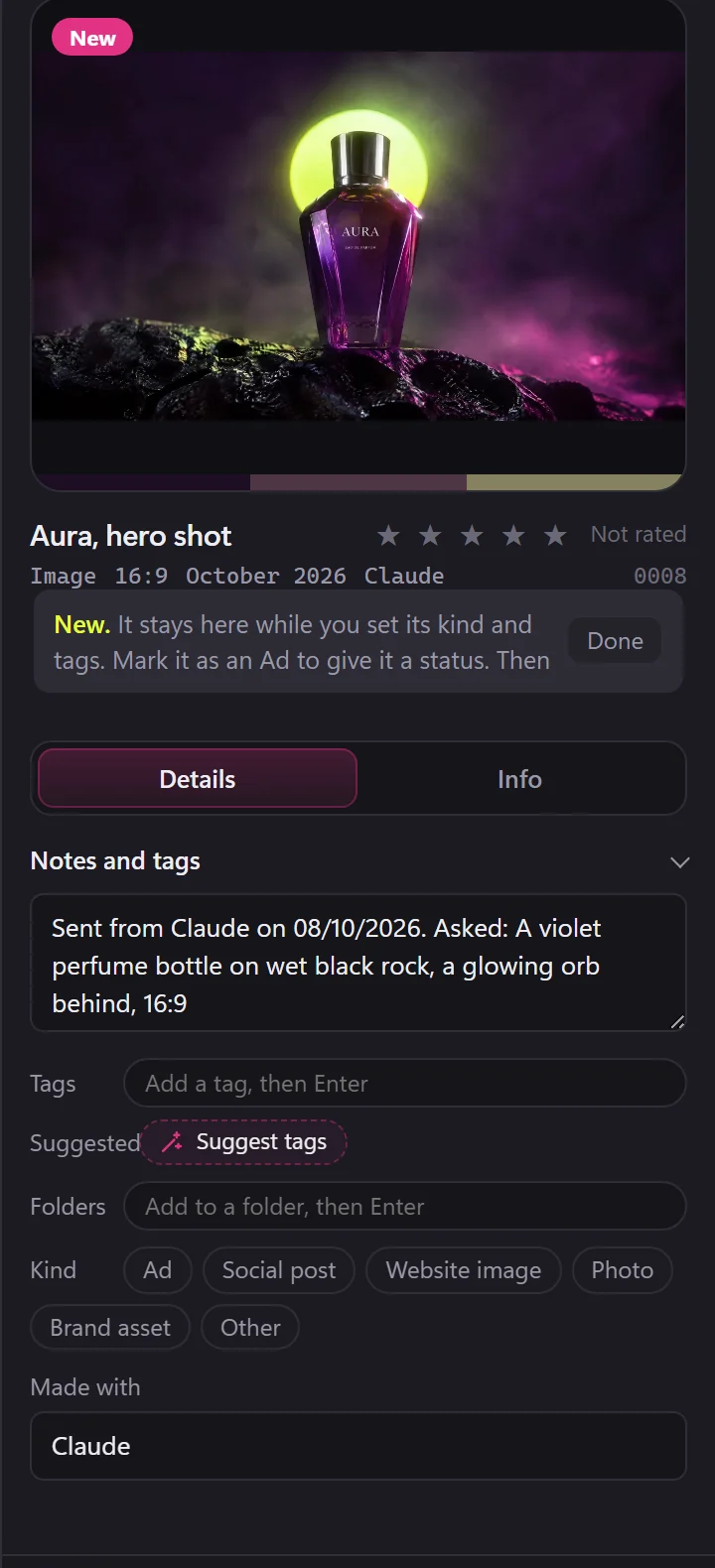
Sort it your way. Your files stay where they are.
Folders that don't move files
Put a picture in as many folders as you like. The file stays exactly where it is.
A workspace for every brand
Give each client a workspace pointed at their own folder. Their files are read where they sit, and nothing is copied.
A status for every ad
Mark a piece as an ad and follow it from Pending to Approved to Live.
Tags that stay tidy
Tidy the tags merges neon, Neon and neon-light into one tag, and one Undo puts them back.
Your old downloads, found the same way.
Add the folder, then run Tidy up. The AI tags everything it hasn't looked at yet, so last year's files turn up in search like this week's.