
Save what you find on the web.
Pictures, video files and screenshots, straight into BosOn, in the right folder with your own tags.

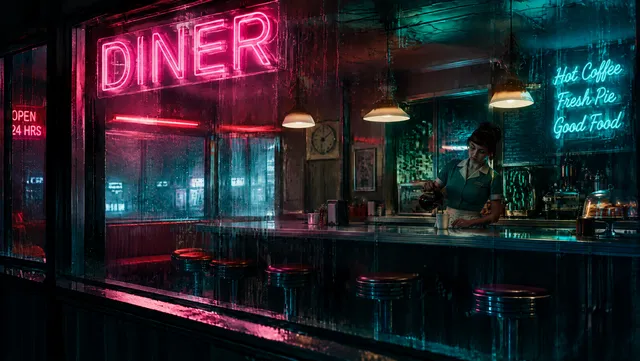

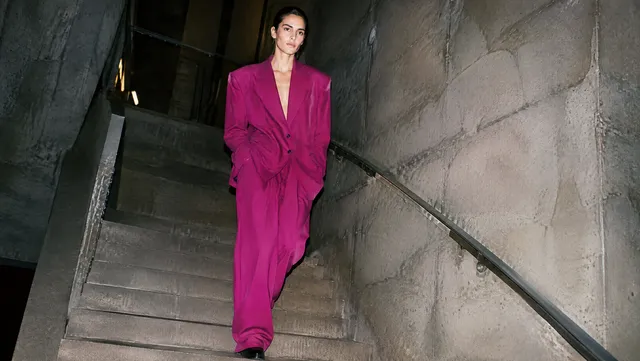
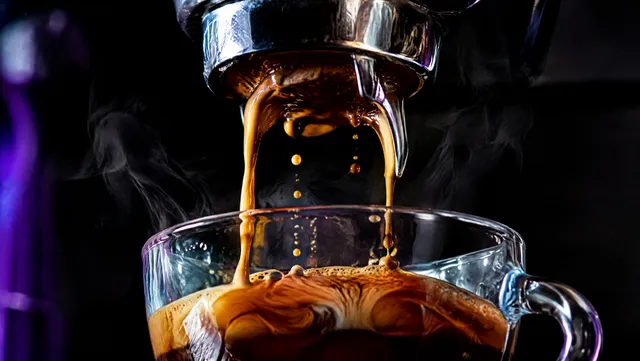
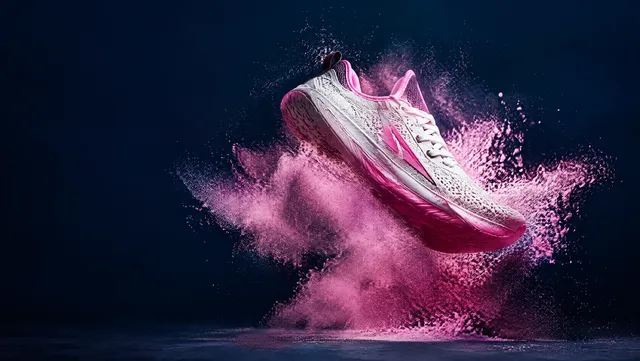
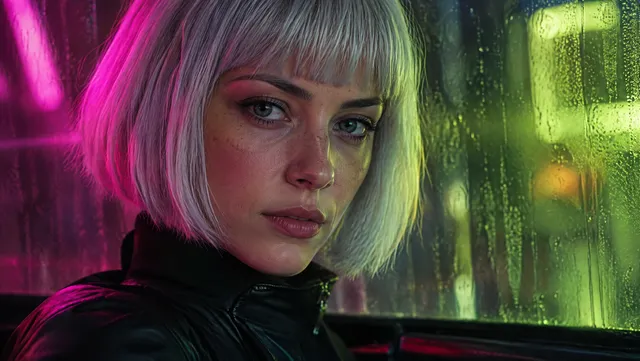
Or take a screenshot, four ways.
- An area AltShiftA
- A part of the page AltShiftE
- What's showing AltShiftS
- The whole page AltShiftW



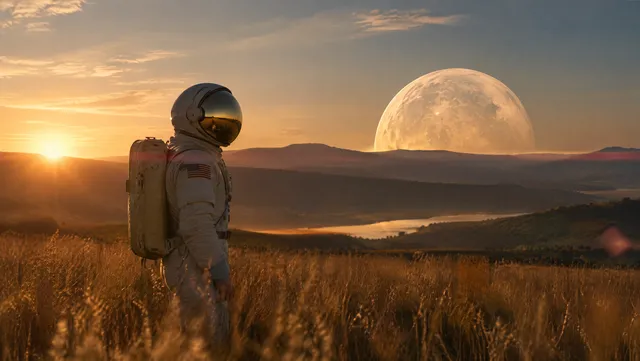
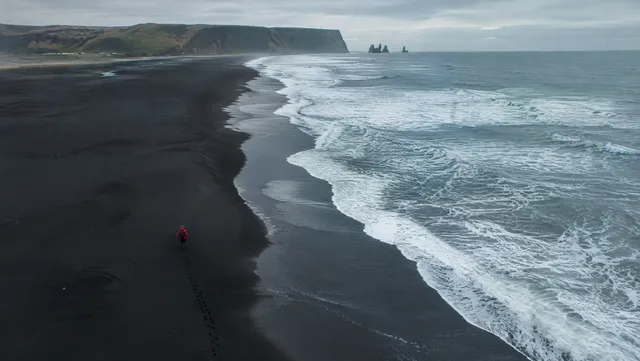

Or every picture on the page at once.
Into the right folder, with your own tags.
The tags you already use come up as you type, so the library stays tidy.
Made to stay out of the way.
-
A key for each screenshot
Alt+Shift with A, E, S or W, and you can change them in your browser's shortcuts.
-
The biggest version
You get the full-size picture the site has, not the size on screen.
-
No clutter
Pictures on this page leaves out icons and tracking pixels.
-
Where it came from
Each save lands in New with the page, the site and the page's title.
-
Video files too
A video the site serves as a file saves as it is. Streamed video offers a screenshot instead.
-
Pairs in a minute
In BosOn, Connections, BosOn for your browser: type the six-number code into the extension.
-
Only to your computer
The extension acts only when you ask, and sends only to BosOn on your own computer. Nothing goes through us.
-
When BosOn is closed
If BosOn isn't open, Open BosOn is one click away, and the save goes through when it's ready.
What the extension handles, and what it keeps, is in our privacy policy.
BosOn for your browser is coming.
Paired with BosOn on your computer.
Request early access