Nano Banana 2.1: what changed from Nano Banana 2, and where to use it
Nano Banana 2.1 is the update to Google's everyday picture model, released on 6 October 2026: it keeps Nano Banana 2's speed, and Google says it is better at edits, keeping characters the same and writing text, with new wide and tall shapes. This page sets out what changed, where it falls short, how it compares with Pro and Lite, and where you can use it as of 8 October 2026.
Nano Banana 2.1 is the new version of Google’s everyday picture model
Nano Banana 2.1 is Google’s update to Nano Banana 2, the fast picture model Google launched in February 2026. Google released it on 6 October 2026: that day its Gemini API changelog lists it as generally available, and Google DeepMind published its model card.
Google’s developer documentation, read on 8 October 2026, calls it “the primary high-efficiency workhorse model” for making and editing pictures. The changelog says it keeps the speed and cost level of Google’s Flash models while improving four things: visual quality, how closely it follows the prompt, keeping characters the same over several turns of editing, and text inside pictures. The model card says it is built on Gemini 3.6 Flash.
Two practical points for anyone already using Nano Banana 2:
- The name in the API is new. It is
gemini-nano-banana-2.1, not another “Flash Image” number, so tools that pick a model by name may not find it until they are updated. - Nano Banana 2 is on its way out, slowly. The same changelog entry marks Nano Banana 2 (
gemini-3.1-flash-image) as deprecated and tells developers to move to 2.1. As of 8 October 2026, Google’s deprecations page says “No shutdown date announced”. Some news reports give a shutdown date this month; we found no Google page that says so.
What changed, by Google’s own tests
The model card compares Nano Banana 2.1 with Nano Banana 2 and Nano Banana Pro using people’s side-by-side preferences, scored on an Elo scale (higher is preferred). These are Google’s tests, published on 6 October 2026; nobody independent had published any when we wrote this, and we haven’t run our own. With its thinking switched on, 2.1 came out ahead in every category Google lists:
| Google’s test | Nano Banana 2.1 | Nano Banana 2 | Nano Banana Pro |
|---|---|---|---|
| Making pictures, overall | 1050 | 990 | 935 |
| General editing | 1026 | 938 | 939 |
| Keeping several characters the same | 1106 | 978 | 1011 |
| Editing a marked area | 1049 | 965 | 927 |
| Keeping a product the same | 1024 | 955 | 965 |
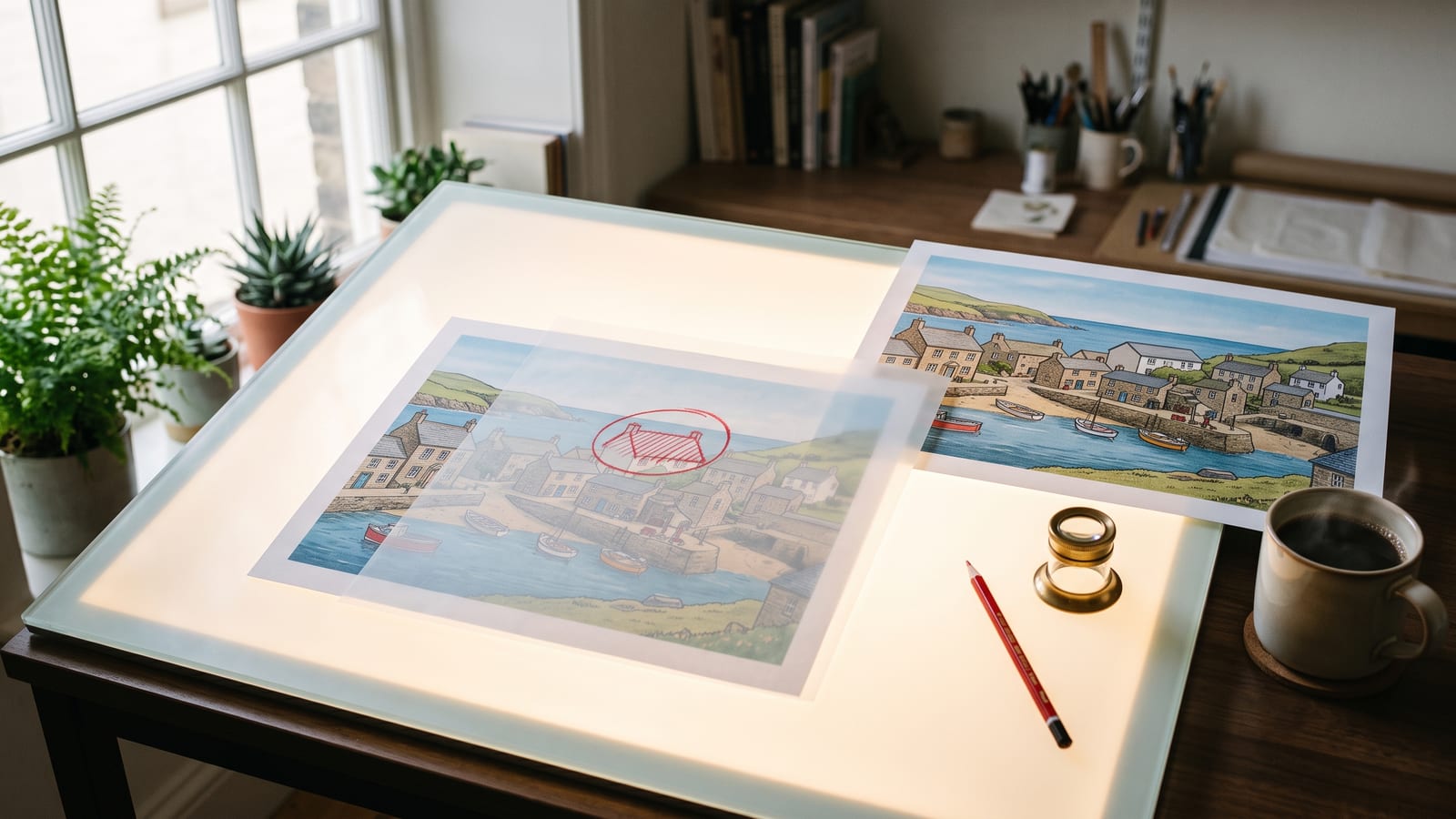
The biggest gains are where creators feel them: several characters in one picture, and mask or ink editing, where you mark the part of a picture to change, like circling a rooftop on tracing paper, and leave the rest alone. Google also reports a large jump in getting the facts in an infographic right, from 0.179 for Nano Banana 2 to 0.521.
The other changes, from the changelog and documentation:
- New shapes. Wide and tall panoramas at 1:4, 4:1, 1:8 and 8:1, at 1K, 2K and 4K. That suits banners, website headers and tall phone layouts.
- Image search as well as web search. Like Nano Banana 2, it can look at real pictures of a place or thing before drawing it.
- Adjustable thinking. In the API, thinking can be set to minimal, medium (the default) or high.
What didn’t change: up to 4 character pictures and up to 10 object pictures per request, and up to 14 reference pictures in all. One thing went: 2.1 makes 1K, 2K and 4K pictures, but not Nano Banana 2’s small 512px size.
Where it still falls short
Google’s model card is candid about the limits, and they are worth knowing before you rely on it for client work:
- Small text. It names “poor text rendering in small text (often blurry in 1k model)”, and trouble with long paragraphs and full pages of text. Make text-heavy pictures at 2K or 4K, and keep the words short.
- Characters. It says character consistency “is not always perfect” between the pictures you give it and the one it makes. Check faces and outfits before you build a set around them.
- Marked edits. It mentions partial instruction following and the marking ink sometimes staying in the picture after a masked or doodled edit.
- Poses and placement. Occasional confusion about where things are in the scene, and rare cases of a subject keeping the same pose when you asked for a new one.
Every picture made through the Gemini API carries an invisible SynthID watermark, and pictures made in the Gemini app also get a visible one, as with earlier Nano Banana models.
Nano Banana 2.1, Pro and Lite: which one to use
As of 8 October 2026, Google’s documentation lists three current Nano Banana models alongside the deprecated Nano Banana 2.
| Nano Banana 2 Lite | Nano Banana 2.1 | Nano Banana Pro | |
|---|---|---|---|
| Google’s description | Speed and low cost at scale | High-efficiency workhorse | The most complex tasks |
| Sizes | 1K only | 1K, 2K, 4K | 1K, 2K, 4K |
| Object references | Up to 14 | Up to 10 | Up to 6 |
| Character references | Not supported | Up to 4 | Up to 5 |
| Style references | No | No | Up to 3 |
| Google Search | No | Yes, plus image search | Yes |
Use Nano Banana 2.1 for nearly everything Nano Banana 2 did, and especially for edits and pictures with more than one character.
Use Nano Banana Pro when you need five characters, a style taken from reference pictures, or you simply prefer its look for a job. Google’s tests rate 2.1 above it, but a test average isn’t your brief.
Use Nano Banana 2 Lite for volume, such as many quick ideas at 1K. Google says Lite is not optimised for multiple references or step-by-step editing.
For costs, see Google’s Gemini API pricing page, or the pricing page of whichever platform you use.
Where you can use it
Google’s model card lists the Gemini app, Google AI Studio, the Gemini API, AI Mode in Google Search, Google Ads, Flow and Stitch. As of 8 October 2026:
- The Gemini app. Google’s Gemini image page says Google AI Plus, Pro and Ultra subscribers get Nano Banana 2.1 and can still regenerate a picture with Nano Banana Pro from the three-dot menu (“Redo with Pro”). Free users keep Nano Banana 2, with lower limits. Image making in the app is for people aged 18 and over.
- Flow, Google’s filmmaking tool, for start frames that go straight into video.
- Google AI Studio and the Gemini API, for trying it out or building it into your own tools.
- Other platforms, once they add it. Higgsfield’s Nano Banana page, read on 8 October 2026, still lists Nano Banana Pro, Nano Banana 2 and Nano Banana 2 Lite. Higgsfield is good at putting picture models next to video models such as Kling and Seedance, so check its model list if that is where you work.
BosOn runs Nano Banana 2 through your own Google Gemini account; Gemini is one of the integrations that are ready today (see the integrations page).
Moving from Nano Banana 2 to 2.1
A short routine for switching without losing what already works:
- Rerun two or three of your favourite prompts in 2.1 and compare them with the originals side by side, including any with text or more than one character.
- Keep the same reference pictures. The reference limits haven’t changed, so a character sheet that worked in Nano Banana 2 should work in 2.1. Keep that set in one place and reuse it, rather than a different screenshot each time; in BosOn we call these elements, a character made once and used in any prompt.
- Draft at 1K, not 512px. The smallest size has gone, so 1K is your draft size now.
- Try a marked edit on a picture you nearly like, rather than regenerating it from scratch.
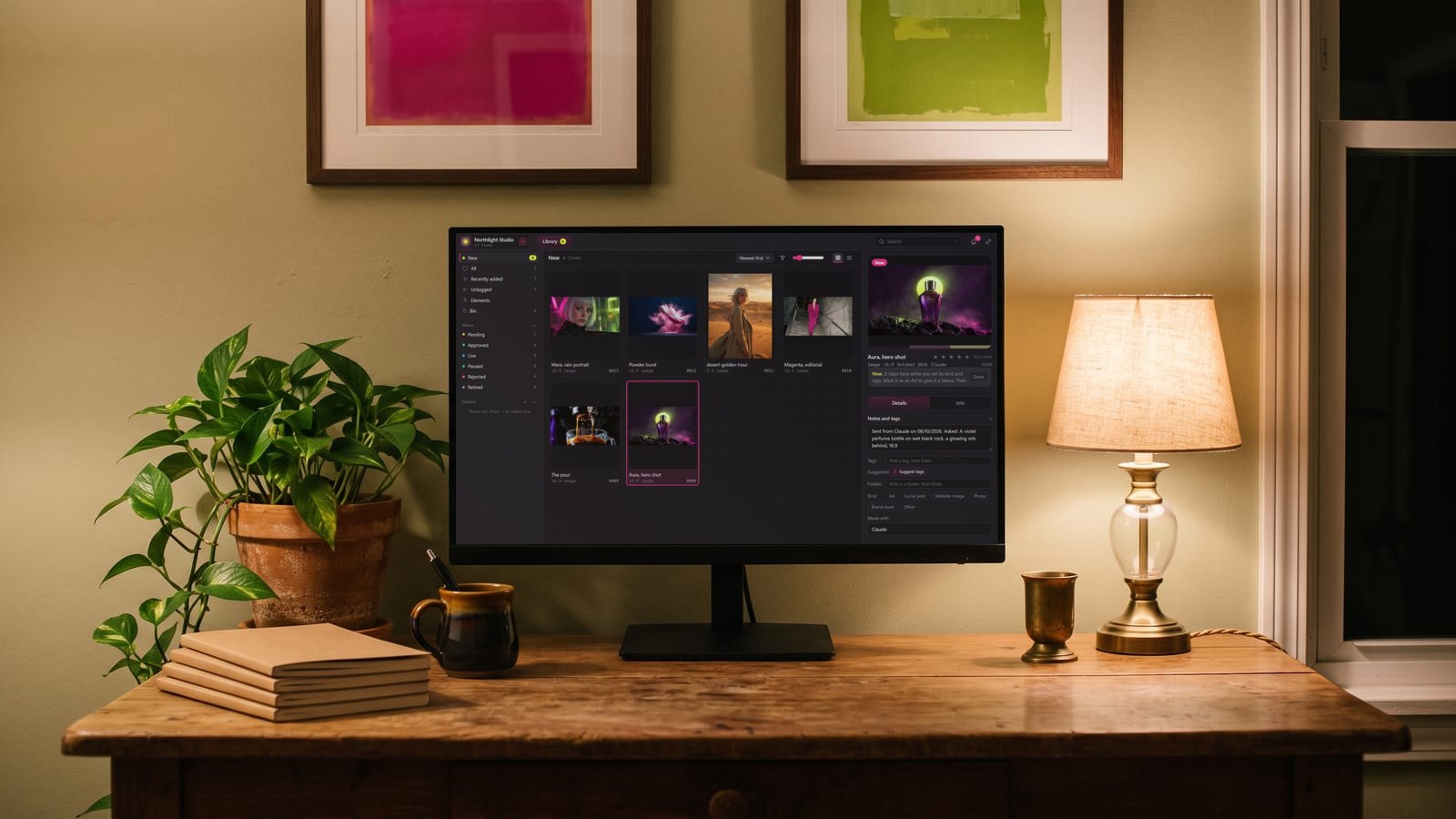
- Keep the winners together. When two models are in use at once, pictures scatter across the Gemini app, Flow and your downloads. BosOn files what you keep from its Create screen in one library, named, dated and marked with the model that made it, so you can tell a 2 picture from a 2.1 picture later. BosOn is in early access.
We will update this page when Google sets a shutdown date for Nano Banana 2, or when more platforms add 2.1.
Questions people also ask
When was Nano Banana 2.1 released?
Google released Nano Banana 2.1 on 6 October 2026. Its Gemini API changelog lists it as generally available that day, with the model code gemini-nano-banana-2.1, and Google DeepMind published its model card the same day.
Is Nano Banana 2 being shut down?
Google's Gemini API changelog of 6 October 2026 marks Nano Banana 2 (gemini-3.1-flash-image) as deprecated and recommends moving to Nano Banana 2.1, but as of 8 October 2026 Google's deprecations page says no shutdown date has been announced. Some reports give a date in October; Google's own pages don't.
Can I use Nano Banana 2.1 for free in the Gemini app?
As of 8 October 2026, Google's Gemini image page says Google AI Plus, Pro and Ultra subscribers get Nano Banana 2.1, and invites free users to upgrade to unlock it. Free users make pictures with Nano Banana 2, with lower limits.
What is the difference between Nano Banana 2.1 and Nano Banana Pro?
Google calls Nano Banana 2.1 its high-efficiency workhorse and Nano Banana Pro its choice for the most complex visual tasks. Pro takes one more character reference (5 against 4) and up to 3 style references; 2.1 takes more object references (10 against 6), adds image search grounding and very wide shapes, and scored higher than Pro in Google's own preference tests.
How many reference images can Nano Banana 2.1 use?
Google's Gemini API documentation, read on 8 October 2026, says Nano Banana 2.1 takes up to 4 pictures of characters to keep them consistent and up to 10 pictures of objects to include with high fidelity, the same as Nano Banana 2. It does not take style references.
Sources
- Google DeepMind: Nano Banana 2.1 model card (6 October 2026)
- Google AI for Developers: Gemini API changelog
- Google AI for Developers: Gemini deprecations
- Google AI for Developers: Image generation with Gemini (Nano Banana)
- Google AI for Developers: Gemini API pricing
- Google Gemini: Image generation and editing in Gemini
- Higgsfield: Nano Banana Pro and Nano Banana 2