
What is Lyria 3.5, and can I use its music in my videos?
Google's model for full songs with vocals. What it can make, how to prompt it, and what the rules say about putting its music in your videos.
In this articleLyria 3.5 is Google’s model for full songs
Lyria 3.5 is Google’s model for full songs
Lyria is Google DeepMind’s family of music models, and Lyria 3.5 is the newest. Google’s Lyria page calls it “our latest model with improved vocals, musicality, and variable song lengths”, and the Gemini API’s model list describes it as the model for “full-length songs with verses, choruses, bridges”.
It arrived in steps, and the older names still turn up in tools, so the order helps:
| Date | What happened | Source |
|---|---|---|
| 18 February 2026 | Lyria 3 arrives in the Gemini app in beta: 30-second tracks with cover art | |
| 25 March 2026 | Lyria 3 Clip (30 seconds) and Lyria 3 Pro (full songs) arrive in the Gemini API, in preview | API changelog |
| 9 April 2026 | Lyria 3 Pro’s tracks of up to three minutes open to more Gemini app users, Google AI Plus included | Workspace Updates |
| 29 July 2026 | Lyria 3.5 launches in Google Flow Music | |
| 3 September 2026 | Lyria 3.5 is generally available in the Gemini API as lyria-3.5 |
API changelog |
| 4 September 2026 | Lyria 3.5 opens to all Gemini app users, on the web and mobile |
As of 12 October 2026, Google’s deprecations page lists Lyria 3.5 as the replacement for both Lyria 3 previews, with no shutdown date set for either.
What it does, and what it won’t
Google’s launch post of 29 July 2026 names four improvements: richer melodies, better lyrics that follow your instructions, “more realistic and emotionally nuanced vocals” with better pronunciation, and easier control of tempo and length. Google gave no test figures with it, so treat those as Google’s own description.
What Google’s pages say it can do, as of October 2026:
- Songs up to three minutes, according to Google’s Gemini music page, with vocals or instrumental only.
- Your own lyrics, marked up with section tags such as
[Verse]and[Chorus], or lyrics it writes for you. The API docs say it writes them “in the language of your prompt” and adapts the singing to match. - Pictures as a starting point. In the Gemini app you can upload a photo and Gemini composes a track for the scene; through the API, Lyria 3.5 takes up to 10 images with your text.
- Files you can use: the Gemini app gives an MP3, or an MP4 with cover art made by Nano Banana; the API gives MP3, or WAV from Lyria 3.5.
- A hidden watermark. Every track carries SynthID, Google’s inaudible mark for AI-generated content, and you can upload a file to Gemini and ask whether Google AI made it.
And what it won’t do, from the API docs (updated 1 October 2026):
- No famous voices or copyrighted lyrics. Prompts that ask for “specific artist voices or the generation of copyrighted lyrics” are blocked. Google’s February post says that in the Gemini app, naming an artist is taken as “broad creative inspiration” for a similar mood, and that its filters “might not be foolproof”.
- No editing in a conversation. Each song is a single request; you can’t ask it to change the second chorus. You prompt again.
- No two runs the same. Results vary between calls, even with the same prompt.
Where you can use it
| Where | Who it’s for | What to know (October 2026) |
|---|---|---|
| Gemini app | Anyone 18 or over | Music generation is listed for every plan, including without a Google AI plan; paid plans get higher limits. Choose short (about 1 minute) or full (about 2 to 3 minutes); Google’s help page says to switch the model to Pro for a full track. |
| Google Flow Music | Musicians and video makers | Google’s music studio, where Lyria 3.5 launched. Free to start with daily credits; paid plans add monthly credits (see its pricing page). Its home page lists stem split and remixing your own audio. |
| Gemini API and Google AI Studio | Developers | lyria-3.5 for full songs, lyria-3-clip-preview for 30-second clips. No free tier (see Google’s pricing page); the API terms require you to be 18 or over. |
| Google Vids and YouTube | Workspace users and Shorts creators | Google names Vids as a place to use Lyria 3.5. YouTube’s Dream Track for Shorts used Lyria 3 in Google’s February post, available in the US and rolling out elsewhere; Google hasn’t said it uses 3.5. |
If you only want a backing track for a video now and then, the Gemini app is the easy start. Flow Music suits you if you want stems or to remix. The API is for building it into your own tools.
Can you use the music in your videos?
This is the question most people ask after the first song, so here is what the rules actually say, as of 13 October 2026. It isn’t legal advice, and the law on copyright in AI-made work differs by country.
Who owns it. Google’s Terms of Service (effective 30 July 2026) say that for services that let you generate original content, “Google won’t claim ownership over that content.” The Gemini API terms add two things worth knowing: Google “may generate the same or similar content for others”, and “you’re responsible for your use of generated content”. So a track isn’t exclusive to you, and Google doesn’t promise it’s free of anyone else’s rights.
Don’t pass it off as human. Google’s terms list “misleading others into thinking that generative AI content was created by a human” as abuse of its services.
Label it on YouTube. YouTube’s help page on altered or synthetic content asks creators to disclose content that “Creates music that’s the main focus of the video”, and its list of examples that need disclosure starts with “AI generated music”. In practice: when the track is the point of the video, use YouTube’s altered or synthetic content disclosure as you upload. Our faceless YouTube channel guide covers YouTube’s other AI rules.
Paid work. Flow Music’s pricing page, as of 13 October 2026, doesn’t say what each plan allows for commercial use. Before a track goes into a client’s ad, read the terms for the plan you made it on, and keep a note of where and when you made it.
How to prompt it for a video
Google’s own tips, from the Gemini help page and the API guide, come down to this:
- Start with a verb: write, compose or create.
- Name the genre and the instruments, then the subject and the setting. Google’s example: “Compose a lo-fi hip-hop beat with a chill, melancholic vibe and a simple piano melody.”
- Give it the numbers your edit needs: BPM, key, mood and length (“create a 2-minute song”). The API also takes timed sections, such as
[0:00 - 0:10]for an intro. - Say “Instrumental only, no vocals” for background music under a voiceover, so the singing doesn’t fight the narration.
- Write your own lyrics with
[Verse],[Chorus]and[Bridge]tags when the words matter.
Because there’s no editing in conversation and no two runs match, make a few versions of the same prompt and keep the best, rather than rewording one track again and again.
Keeping the tracks with the rest of the project
A song made in Gemini lives in that chat, one made in Flow Music lives there, and the clips it goes with are somewhere else again. Our guide to where AI work is saved covers how long each place keeps it.
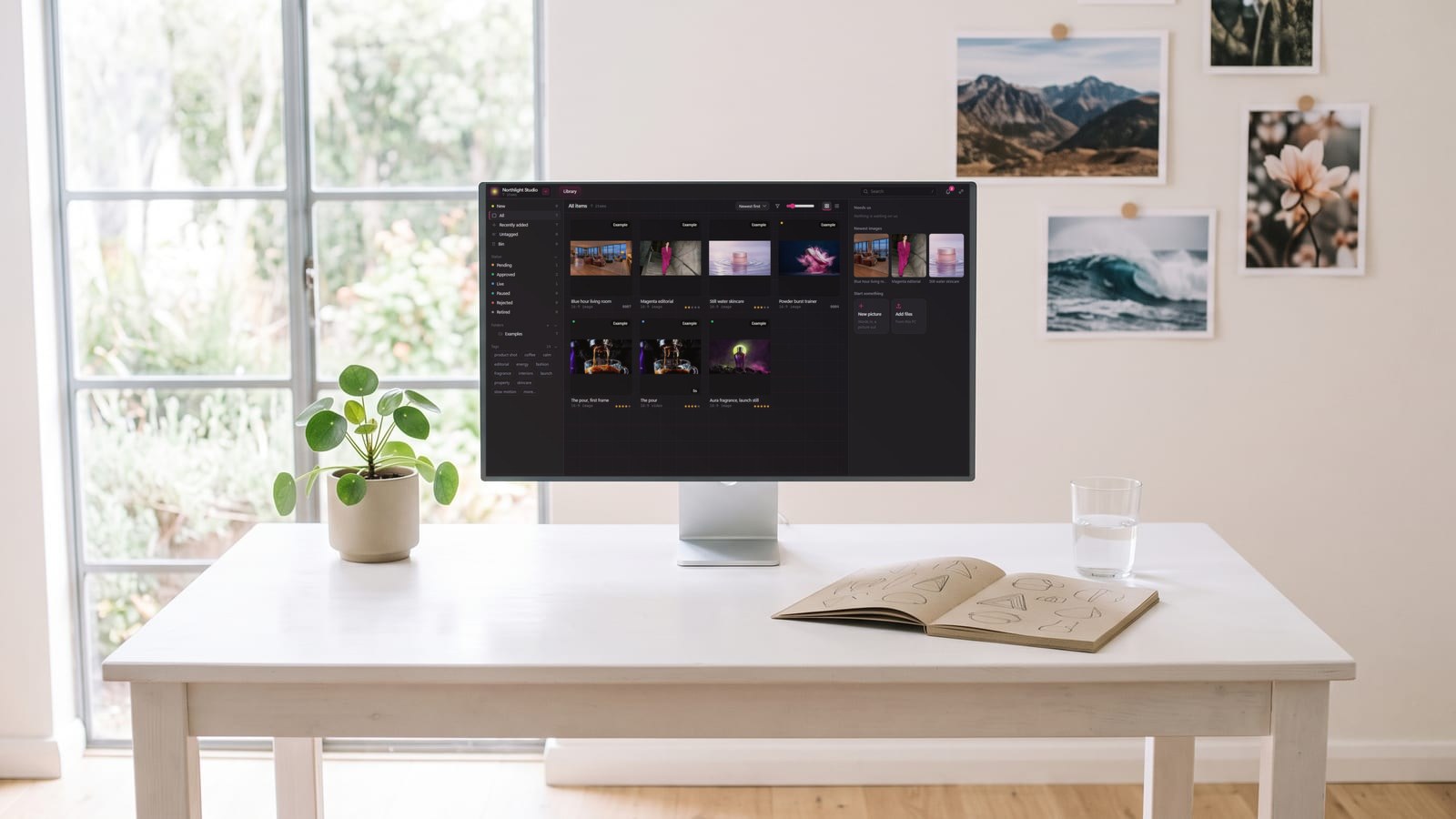
We built BosOn for this. Its Gemini connection, Ready today, runs Lyria music and Nano Banana 2 pictures on your own Gemini account (see the integrations page), and what you keep goes into one library with your pictures and clips from every other tool. BosOn is a desktop app for Windows and Mac, in early access.
Questions people also ask
When was Lyria 3.5 released?
Google released Lyria 3.5 in Google Flow Music on 29 July 2026. It became generally available in the Gemini API as lyria-3.5 on 3 September 2026, and Google opened it to all users of the Gemini app, on the web and mobile, on 4 September 2026.
Is Lyria 3.5 free?
In the Gemini app, music generation is listed for every plan, including without a Google AI plan, within usage limits that are higher on paid plans. Google Flow Music is free to start with daily credits, with paid plans for more. In the Gemini API there is no free tier for Lyria 3.5; see Google's pricing page.
How long can a Lyria 3.5 song be?
Up to three minutes, according to Google's Gemini music page. In the Gemini app you choose short (about one minute) or full (about two to three minutes), and Google's help page says to switch the model to Pro for a full track. Through the API you set the length in the prompt.
Can I use Lyria music in my YouTube videos?
Google's terms say it won't claim ownership of content you generate, and the Gemini API terms add that you're responsible for how you use it. YouTube's help page on altered or synthetic content lists AI generated music among what creators must disclose, so turn on the label when you upload. Check the terms of the plan you made it on before using it in paid work.
Can Lyria 3.5 copy a famous singer's voice?
No. Google's Gemini API docs say prompts asking for specific artist voices or copyrighted lyrics are blocked by its safety filters. In the Gemini app, Google said in February 2026 that naming an artist is taken as broad inspiration for a similar style or mood, not a copy.
Sources
- Google: Lyria 3.5 in Google Flow Music (29 July 2026)
- Google: Better tracks with Lyria 3.5 in the Gemini app (4 September 2026)
- Google: A new way to express yourself, Gemini can now create music (18 February 2026)
- Google Workspace Updates: Expanding access to longer musical tracks in the Gemini app (9 April 2026)
- Google DeepMind: Lyria
- Google: Gemini music generation overview
- Gemini Apps Help: Generate music with Gemini Apps
- Gemini Apps Help: Gemini Apps limits and upgrades for Google AI subscribers
- Gemini API: Music generation (updated 1 October 2026)
- Gemini API: Changelog
- Gemini API: Deprecations (updated 12 October 2026)
- Gemini API: Pricing
- Gemini API: Additional Terms of Service
- Google Terms of Service (effective 30 July 2026)
- Google Flow Music
- Google Flow Music: Pricing
- YouTube Help: Disclosing use of altered or synthetic content
Keep reading
All guides
Make it anywhere, find it in BosOn.
Every picture, video and sound you make with AI, in one library on your computer.
Request early accessNight drive, made with Kling 3.0 from a GPT Image 2.5 still