
GPT Image 2.6: what changed from 2.5, and how to use its GIFs
Faster pictures, steadier edits and looping GIFs. What's new in OpenAI's latest picture model, and how to use its GIFs well.
In this articleGPT Image 2.6 is OpenAI’s newest picture model, two months after 2.5
- GPT Image 2.6 is OpenAI’s newest picture model, two months after 2.5
- What changed from GPT Image 2.5
- GIFs: what you can make, and the limits
- The other new tools: references, SVG, markup and complexity
- Flare or Sunburst, and where you can use GPT Image 2.6
- Keeping what you make with it
- Questions people also ask
- Sources
GPT Image 2.6 is OpenAI’s newest picture model, two months after 2.5
OpenAI released GPT Image 2.6 on 4 November 2026, eight weeks after GPT Image 2.5 (8 September 2026), according to its API changelog. In ChatGPT and Codex it is called Images 2.6; in the API it is again two models:
- GPT Image 2.6 Flare (
gpt-image-2.6-flare): “image generation and editing for fast iteration”, says its model page. - GPT Image 2.6 Sunburst (
gpt-image-2.6-sunburst): “image generation and editing for detailed visual work”, says its page.
OpenAI’s launch post makes two big claims: pictures come “50% faster than before”, and characters, products and brand details stay consistent as you edit. ChatGPT’s release notes give the kind of thing they mean: keeping “a character’s outfit when you change the background”.
What changed from GPT Image 2.5
From OpenAI’s launch post, changelog, image generation guide and system card, read on 6 November 2026:
| GPT Image 2.5 (8 September) | GPT Image 2.6 (4 November) | |
|---|---|---|
| Speed | Flare for “fast, high-quality everyday image generation” | Images 2.6 “50% faster than before”; Flare in as little as six seconds at low quality |
| Edits | Sunburst for work “where editing precision matters most” | “Even greater image consistency across edits” in Sunburst, at medium or high quality |
| Animation | None | Looping GIFs, in ChatGPT and the API |
| Vector files | None | SVG output, in the API only |
| Pointing at a change | Selection tool in ChatGPT | Markup edits now in the API too, for supported 2.5 and 2.6 models |
| Planning | Not adjustable | A complexity setting in the API: low, medium or high |
| Saved references | None | Save a photo in ChatGPT and call it with @ |
| Quality settings | low to max | The same five: low, medium, high, xhigh, max |
Two things stay the same. The API token rates for both versions match 2.5’s, according to the model pages (see OpenAI’s pricing for figures). And every picture still carries C2PA metadata plus an invisible SynthID watermark from Google DeepMind, across ChatGPT, Codex and the API, the system card says.
The guide also lists the limits all GPT Image models still have, and none is marked fixed for 2.6: text can come out misplaced or unclear, a recurring character or brand detail can drift across separate generations, precise layouts are hard, and a complex prompt can take up to two minutes.
GIFs: what you can make, and the limits
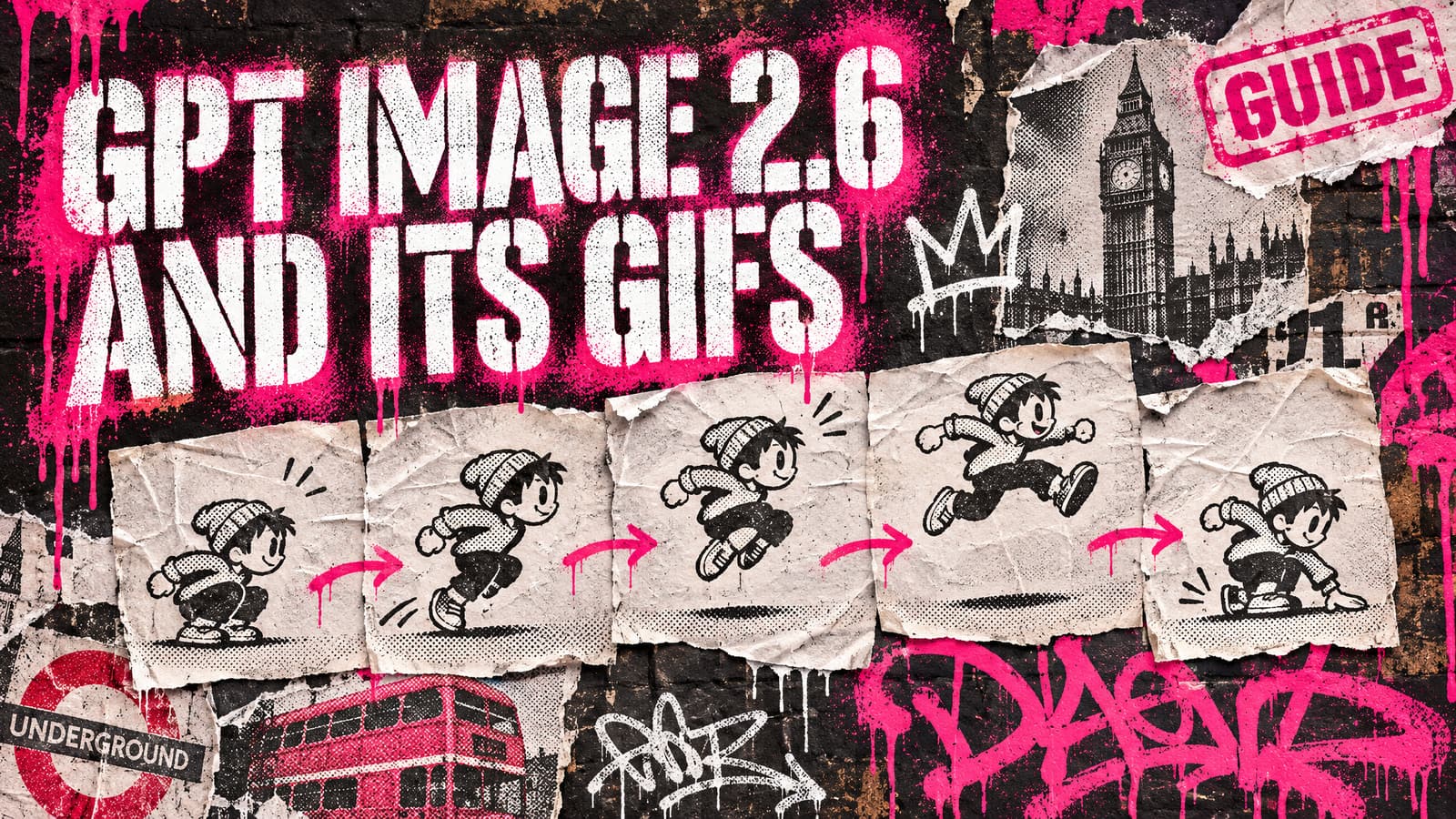
This is the part most people are searching for (“can ChatGPT make GIFs”). OpenAI pitches it for animating “a brand mascot or character”, turning a product shot into a loop, reactions and memes, and “animated storyboards to explore character movement before video production”. Its launch post shows an owl drawn in pen on lined paper turned into an animated character.
In ChatGPT (help page, 6 November 2026): GIF creation is rolling out, so it may not have reached your account yet. Ask for a looping GIF and say what should move, or upload a still and ask ChatGPT to animate it. You change a GIF by describing the edit; you can adjust its playback speed, save it and share it. ChatGPT can’t edit an animated GIF you upload.
In the API (image generation guide): set the output format to gif when making or editing a picture, and describe the subject, the motion and the loop. To guide the animation with stills, send them to the edit endpoint. You choose:
- Frames: 2 to 16, nine by default.
- Time per frame: 20 to 2,000 milliseconds, 200 by default. OpenAI’s example uses the defaults, and its monkey with a lantern returns to its first pose after 1.8 seconds.
- Frame size:
auto, or a width and height in multiples of 16, all within the model’s size limits.
GIFs can’t be streamed and don’t take partial previews. OpenAI’s system card says GIFs bring risks “that may not be apparent in individual still images”, and its GIF rules block some kinds of content “more broadly than in still images”, so a prompt that works as a still can be refused as an animation.
A GIF is not a video. It has no sound and only a handful of frames. For a real clip, a still made with GPT Image 2.6 is still the start frame you hand to a video model (our guide to turning an image into a video covers that), but a GIF is a quick way to test how a character should move before you spend on a clip.
The other new tools: references, SVG, markup and complexity
Saved references (ChatGPT). Upload a photo and ask ChatGPT to save it as a reference, with a name. In a later chat, type @ and the name: OpenAI’s example is “Make a watercolor portrait of @Pepper”, Pepper being a dog. For anyone making a recurring character, this means one approved picture you call by name instead of uploading it to every chat. It still won’t guarantee a perfect match every time, given the drift OpenAI lists above, so check faces and outfits closely.
SVG files (API only). Ask for svg output when making a picture and you get a vector file of “editable paths, shapes, and colors”, for icons, logos and illustrations. The API draws a reference picture first and builds the SVG from it, one file a request. The file is static, with no scripts or embedded pictures, and the edit endpoint can’t produce or take an SVG. Higgsfield’s November changelog lists SVG output on its plan too.
Markup edits (API). You send an overlay that circles or marks where the change goes, plus a prompt saying what to change; it works on the first picture you send, with any others used as references. ChatGPT already had a selection tool, and its help page warns that highlights “are not always precise”.
Complexity (API). This sets “how much the model plans before rendering”: low, medium or high, high by default, with no extra fee. OpenAI recommends low for most edits, such as a new background, and medium or high for scenes with many elements or dense text, while warning that higher settings add time and can make changes you didn’t ask for. In ChatGPT, Images with thinking is on Plus, Pro and Business.
Flare or Sunburst, and where you can use GPT Image 2.6
OpenAI’s split is the same as with 2.5. Flare is for quick drafts, lots of variations and social content; OpenAI also says it “improves layout quality for posters, product imagery”. Sunburst is for the picture you’ll actually use and for edits that must hold, at medium or high quality. Draft with Flare, then finish with Sunburst.
Where it was, as of 6 November 2026, from each company’s own pages:
| Where | What you get |
|---|---|
| ChatGPT | Images 2.6 on every plan, on web, iOS and Android; GIFs rolling out; saved references |
| Codex | Images 2.6, launched the same day |
| OpenAI’s API | Flare and Sunburst by name, through the image generation and edit endpoints only; the model pages list the Responses API and Batch as not supported; pay per use |
| Higgsfield | Both versions on its plan, at 1K, 2K or 4K, with PNG, GIF or SVG output (changelog) |
| fal | Both versions, each with text to image and edit, GIF included (fal); its page doesn’t mention SVG |
| OpenArt | In its image generator and Edit Image, among others, says its post of 5 November (OpenArt) |
We didn’t check Microsoft Foundry, which carried 2.5, or other resellers; if you use one, check which version it actually runs.
If you build on OpenAI’s API, one date matters. Its deprecations page lists GPT Image 1 Mini, GPT Image 1.5 and chatgpt-image-latest for removal on 1 December 2026, and now names GPT Image 2.6 Sunburst or Flare as the replacement. Some apps and plugins still call those older models, so if a tool you rely on uses them, ask its maker what happens after that date. GPT Image 2.5 had no shutdown date.
Keeping what you make with it
Faster pictures and GIFs mean more files, spread across ChatGPT’s Images tab, Codex sessions on your computer, Higgsfield and wherever else you make things. ChatGPT keeps every picture under Images, but its help page says the way to remove one from there is to delete the chat it was made in, so clearing old chats clears their pictures too. Our guide to where your AI pictures are saved covers each platform.
BosOn, our desktop app for Windows and Mac (in early access), is built for that: it brings in what Claude Code, Codex and Cowork sessions made on your computer, your Higgsfield history in one click, and pictures and videos on your computer whose files say an AI made them, into one library where you can search them by what’s in them. Our integrations page shows what is ready.
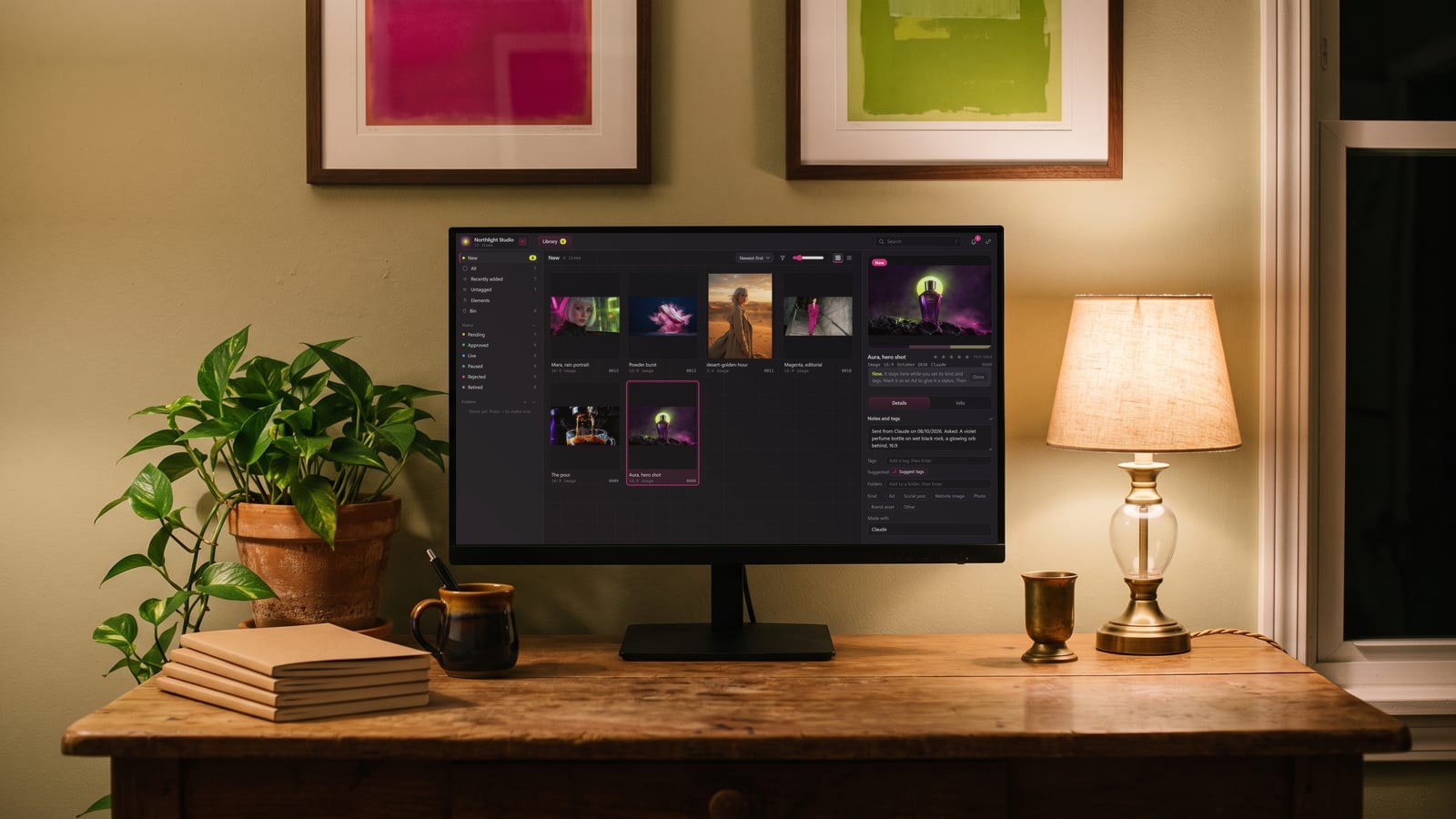
BosOn is independent and isn’t affiliated with or endorsed by OpenAI, Higgsfield, fal or OpenArt.
Questions people also ask
When was GPT Image 2.6 released?
On 4 November 2026. OpenAI's API changelog lists GPT Image 2.6 Sunburst and GPT Image 2.6 Flare on that date, and ChatGPT Images 2.6 came to ChatGPT and Codex the same day, across all subscription tiers.
Can ChatGPT make GIFs?
Yes. Since 4 November 2026, GIF creation has been rolling out in ChatGPT with Images 2.6. Ask for a looping GIF and say what should move, or upload a still and ask ChatGPT to animate it. You can change its playback speed, save it and share it, but ChatGPT can't edit an animated GIF you upload.
What is the difference between GPT Image 2.6 and GPT Image 2.5?
OpenAI says 2.6 makes pictures 50% faster and keeps details more consistent from one edit to the next. It adds animated GIFs, and in the API SVG output, markup-guided edits and a complexity setting. ChatGPT also gained saved reference photos. Both versions use the same token rates as 2.5 in OpenAI's API.
Should I use GPT Image 2.6 Flare or Sunburst?
OpenAI describes Flare as for fast iteration, making a picture in as little as six seconds at low quality, and Sunburst as for detailed visual work, with steadier edits at medium or high quality. Draft with Flare and switch to Sunburst for the final picture or an edit that must leave everything else alone.
Is GPT Image 2.6 free?
In ChatGPT, Images 2.6 is available on every subscription tier, OpenAI says, and Images with thinking is on Plus, Pro and Business. In OpenAI's API you pay per use; see OpenAI's pricing page.
Are older GPT Image models being shut down?
Yes, in OpenAI's API. Its deprecations page lists GPT Image 1 Mini, GPT Image 1.5 and chatgpt-image-latest for removal on 1 December 2026, with GPT Image 2.6 Sunburst or Flare as the replacement. GPT Image 2.5 had no shutdown date on 6 November 2026.
Sources
- OpenAI: Introducing Images 2.6
- OpenAI API: Changelog (4 November 2026)
- OpenAI API: GPT-Image-2.6 Flare model page
- OpenAI API: GPT-Image-2.6 Sunburst model page
- OpenAI API: Image generation guide
- OpenAI API: Deprecations
- OpenAI Help Center: Images in ChatGPT
- OpenAI Help Center: ChatGPT release notes (4 November 2026)
- OpenAI: ChatGPT Images 2.6 system card (4 November 2026)
- Higgsfield: Changelog
- fal: GPT Image 2.6
- OpenArt: GPT Image 2.6 overview
Keep reading
All guides
Make it anywhere, find it in BosOn.
Every picture, video and sound you make with AI, in one library on your computer.
Request early accessNight drive, made with Kling 3.0 from a GPT Image 2.5 still