
How to make a manga with AI
From your first character to pages ready to publish. How to have AI draw the panels while the story stays yours, and what the platforms allow.
In this articleAI draws the panels; you still make the manga
AI draws the panels; you still make the manga
The pages that rank for this question are mostly manga tools explaining their own buttons, and the steps they share are sound: write the story, fix the characters, make the panels, letter them, export. What they leave out is where an AI manga usually goes wrong. Faces drift between panels, words come out garbled, pages arrive in the wrong shape for the platform, and nobody checked the rules before publishing. This guide takes those in order.
There are two routes, and both work.
- An all-in-one manga tool. You give it an idea or a script and it builds the cast, the chapters and the pages. The newest is Higgsfield’s Mangaka, launched on 2 November 2026 (Higgsfield’s changelog). It offers black and white manga, colour, comics or webtoon styles, 14 languages, an Auto mode that builds characters, locations, props and chapters for you and a Manual mode that lets you check each step, and books of 4 to 30 chapters. It exports the whole book, single chapters or just the cast as PDF, CBZ, PNG pages or a webtoon strip. Other manga makers, such as Elser, offer their own versions; see each maker’s pricing page for what it costs.
- A picture model you direct. You write the script, make each panel with a model such as Google’s Nano Banana 2.1, and lay out and letter the pages in a comic editor. Slower, but every panel is your choice.
A good habit with either: start with a short chapter of 8 to 12 pages. You’ll learn where your tool drifts before you’ve spent a weekend on it.
Make the cast once, and reuse it in every panel
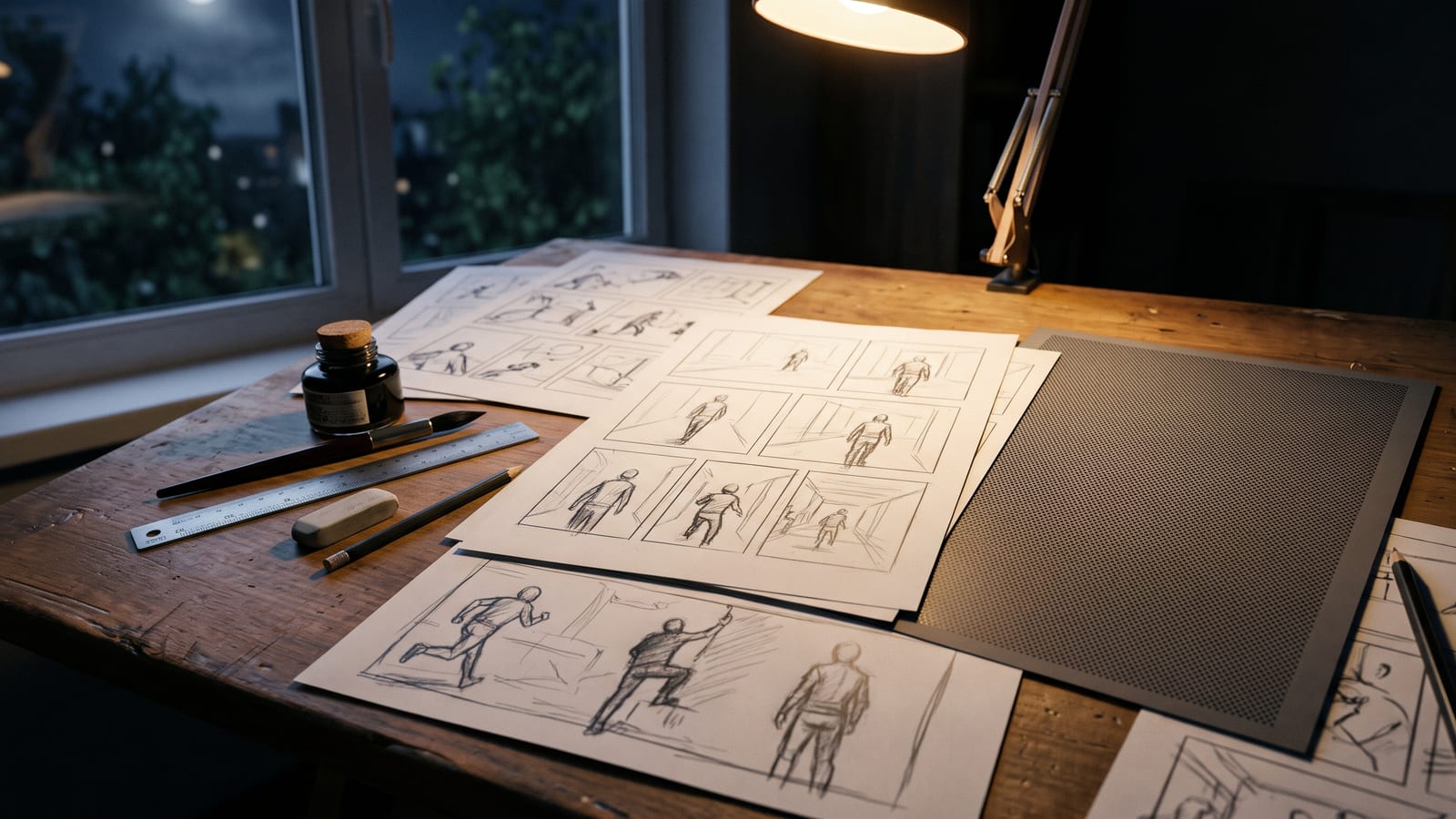
A reader forgives rough backgrounds; they don’t forgive a hero whose face changes between panels. So before any page, make a reference sheet for each character: the face from the front and in profile, the full figure, the outfit, and one or two expressions. Then give those same pictures to every panel instead of describing the character again in words.
How many references a model can hold matters here. Google’s image generation docs, read on 3 November 2026, say Nano Banana 2.1 and Nano Banana 2 keep the resemblance of up to 4 characters and the fidelity of up to 10 objects in one request, with up to 14 reference images in total. For a turnaround, the same docs suggest asking for each angle in turn and including the pictures already made in the next prompt. Four characters per panel is plenty for most manga scenes; a crowd scene with more named people is worth splitting into two panels.
Props count too. A sword, a school bag or a scooter that changes shape gives a page away as quickly as a face does, so give recurring objects a reference picture of their own. Our guide to keeping a character consistent across AI pictures and video goes through what to put in the set and how many references other models take.
Pages and panels: manga pages or a webtoon strip
Decide the format before you make a single panel, because it changes every picture’s shape.
- Manga pages read right to left in the Japanese tradition, several panels to a page, usually black and white with screentone. Ask for panels at the shape of their place on the page, or make the page layout first and fill each box.
- A webtoon is one long vertical strip read top to bottom on a phone, usually in colour, with a panel or two per screen and space between them for pacing. Google’s docs say Nano Banana 2.1 adds tall aspect ratios of 1:4 and 1:8, useful for a long vertical panel.
For WEBTOON’s Canvas, its Before you publish checklist says each image must be under 800 pixels wide and 1,280 pixels long, with a maximum of 2MB each, 20MB and 100 images per upload. Bigger images are sliced and reduced automatically, so export to that size yourself rather than letting the site resize your work.
Letter the words yourself
Google’s docs list legible, stylised text as a Nano Banana strength. Even so, for speech balloons the safer route is to generate the panel with empty balloons, or none, and add the words in your comic editor. A typo then costs you seconds, not a new panel, the lettering stays the same size and font on every page, and translating a chapter means changing text, not remaking art.
If you do want words drawn into the picture, such as a shop sign or a sound effect worked into the art, Google’s docs advise generating the text first and then asking for an image with that text. Read every word before the page goes out.
Before you publish: the platforms’ rules and copyright
Check where the pages are going before you make them, not after.
- Amazon KDP. Its content guidelines, read on 3 November 2026, require you to declare AI-generated text, images or translations when you publish or republish a book, and say that AI-generated images include cover and interior artwork. A picture made with an AI tool counts as AI-generated “even if you applied substantial edits afterwards”. Using AI only to edit or refine art you made yourself is AI-assisted and needn’t be declared.
- WEBTOON Canvas. Its community policy and content guidelines (last updated 25 November 2025, read on 3 November 2026) don’t mention AI. Contests and other programmes set their own entry rules, so read those before entering a series made with AI.
- Copyright in the US. On 21 February 2023 the US Copyright Office ruled on Zarya of the Dawn, an 18-page comic by Kristina Kashtanova made with Midjourney. It kept protection for her text and for her “selection, coordination, and arrangement” of the text and pictures, but not for the Midjourney images themselves, which it said were “not the product of human authorship”. Writing your own script and arranging your own pages is the part you’re most clearly the author of.
- Copyright in the UK. The Copyright, Designs and Patents Act 1988, section 9(3), says that for a computer-generated work the author is “the person by whom the arrangements necessary for the creation of the work are undertaken”. Where you live changes the answer; for anything you plan to sell in volume, ask a lawyer.
Elser’s guide warns against copying other people’s character designs, which is sound. The same goes for prompts naming a living artist’s style: you can describe the look you want in plain words instead.
Keep the whole cast and every page in one place
A 20-page chapter can mean a few hundred generations: sheets, retakes, panels you kept and panels you didn’t. They end up in the tool’s history, your Downloads folder and an editor’s project folder, and a month later the version of the hero you liked is hard to find.
That is what we built BosOn for. BosOn is a desktop app for Windows and Mac, in early access. It keeps everything you make in one library you can search by what’s in the pictures, brings in everything you’ve made on Higgsfield with one click, and its Character Studio makes a character once and keeps them the same in every picture you make with them. See the Library page for how finding works, and Integrations for what connects today.
Questions people also ask
Can you make a whole manga with AI?
Yes. All-in-one tools now take an idea or a script and build characters, chapters and pages: Higgsfield's Mangaka, launched on 2 November 2026, makes books of 4 to 30 chapters and exports PDF, CBZ, PNG pages or a webtoon strip. You still choose the story, check every page and usually fix the lettering.
How do I keep my characters looking the same in every panel?
Make a reference sheet for each character and attach it to every panel you generate, instead of describing them afresh. Google's docs say Nano Banana 2.1 and Nano Banana 2 keep up to 4 characters' resemblance and up to 10 objects in one request, with up to 14 reference images in total.
Can I sell an AI manga on Amazon?
Amazon KDP allows it, but its content guidelines require you to declare AI-generated images, cover and interior, when you publish or republish, even if you edited them heavily afterwards. Using AI only to edit or refine art you made yourself counts as AI-assisted and needn't be declared.
Can I copyright a manga made with AI?
In the US, partly. In February 2023 the US Copyright Office ruled that the comic Zarya of the Dawn kept protection for its human-written text and the arrangement of its pages, but not for the images Midjourney generated. UK law has a separate rule for computer-generated works, so the answer depends on where you are.
What size should webtoon panels be?
WEBTOON's Before you publish checklist says each image must be under 800 pixels wide and 1,280 pixels long, at most 2MB each and 20MB and 100 images per upload. Larger images are sliced and reduced automatically, so export to that size yourself to keep control of the quality.
Sources
- Higgsfield: Changelog (Higgsfield Mangaka, 2 November 2026)
- Higgsfield: Mangaka
- Google AI for Developers: Image generation (Nano Banana)
- Amazon KDP Help: Content Guidelines, Artificial intelligence (AI) content
- WEBTOON: Community Policy and Content Guidelines (last updated 25 November 2025)
- WEBTOON Creator 101: Before you publish checklist
- US Copyright Office: Zarya of the Dawn letter (21 February 2023)
- legislation.gov.uk: Copyright, Designs and Patents Act 1988, section 9
- Elser AI: How to Create Manga with AI (5 August 2026)
Keep reading
All guides
Make it anywhere, find it in BosOn.
Every picture, video and sound you make with AI, in one library on your computer.
Request early accessNight drive, made with Kling 3.0 from a GPT Image 2.5 still