
How do I test ad creatives on Facebook and Instagram?
Find out which ad works before you spend the budget. How to use Meta's two built-in tests, which one to pick, and how Meta decides a winner.
In this articleUse Meta’s tools, not on and off
Use Meta’s tools, not on and off
The tempting way to test two ads is to run one for a few days, switch it off, and run the other. Meta’s own A/B testing page advises against exactly that: turning ad sets or campaigns on and off by hand “can lead to inefficient ad delivery and unreliable test results”, because the audiences overlap and the days aren’t alike.
Putting several ads in one ad set isn’t a clean test either. It’s how most people run ads, and it works, but Meta says it uses machine learning “to help determine the best ad to show you at a given point in time”, so the ads don’t get an even share. The one that gets the most spend isn’t proven to be better.
Meta gives you two proper ways to compare creative instead, both in Ads Manager, as of 16 October 2026:
| A/B test | Creative test | |
|---|---|---|
| Best for | One clear question: this picture or that one | Trying several new ideas in a campaign that’s already running |
| How many | Two or more campaigns or ad sets | 2 to 7 copies of one ad, each given new creative |
| Audience | Split, so nobody sees both versions | Delivery provided to the new test ads within the campaign |
| Budget | Each version’s own (Meta suggests the same for both) | A share of the existing budget; Meta suggests no more than 20% |
| Length | 1 to 30 days; Meta recommends at least 7 | You set the test’s length |
| Result | A winner with a confidence percentage, or none | Top performers on your metric, no confidence level |
If you read about the creative test elsewhere, check the number. Jon Loomer’s thorough walkthrough of 13 October 2025 says two to five test ads, which was right then; Meta’s setup page now says 2 to 7.
Decide what you’re testing before you make anything
AI makes it easy to produce a dozen versions in one sitting, and that’s the trap: if the background, the model, the crop and the headline all change at once, a winner tells you nothing you can use next time. Meta’s best practices page puts it plainly: results are more conclusive when your versions are “identical except for the variable that you’re testing”.
So start with a hypothesis, as Meta suggests, and change one thing. Meta’s page on variables lists creative examples that suit AI work well:
- Different product pictures with the same text, to see which image sells.
- The same picture with different ad text, to see which words do.
- A format against a format, such as a slideshow video against a carousel of images.
For AI pictures, that usually means keeping the prompt and changing one part of it: the background colour, the setting, the angle, or a person against no person. Then the result tells you something you can carry into the next batch.
Meta’s tips page suggests the next step after a win: once you know video beats a single image, test two videos against each other, “from knowing which format works, to knowing what works best for that format”.
Setting up an A/B test
From Meta’s Ads Manager steps, as of 16 October 2026:
- In Ads Manager, click A/B Test in the toolbar.
- Choose Make a copy of this ad (change one variable in the copy) or Select two existing ads (compare campaigns or ad sets you already have).
- Name the test and choose how the winner is decided, such as cost per result. You can add other metrics to watch.
- Set the test’s start and end dates. Meta notes these are separate from the campaigns’ own dates and should cover them.
- Publish.
Two things to watch. If you copy a campaign, Meta copies its budget too, so check what you’re about to spend. And the audience is split between versions, so Meta’s tips page warns that small audiences can under-deliver; you may need to go broader than usual, or raise the budget.
Meta recommends at least seven days, and an A/B test can run for at most 30. If your customers usually take longer than a week to buy, its best practices page suggests running longer, such as 10 days.
Setting up a creative test
The creative test, from Meta’s setup page, suits the AI way of working best: you have one ad running and several new ideas to try.
- Open an existing campaign. It must use the Highest volume bid strategy.
- At the ad level, find Creative test and click Set up test.
- Choose how many copies to make, from 2 to 7. You then swap in the new creative on each copy.
- Choose how much of the existing budget to spend on the test ads. Meta suggests no more than 20%, so the rest of the campaign isn’t disturbed.
- Set the test length and the metric to compare, then publish.
Two details from Meta’s page are easy to miss. The test ads start running on their ad set’s schedule when you publish, whatever the test dates say; the test dates only decide when results are measured. And when the test ends, nothing changes by itself: the test ads keep running alongside the rest until you turn them off. Results come by email and in Ads Manager, behind the beaker icon next to the test.
Reading the result, and labelling AI ads
How Meta picks a winner. In an A/B test, Meta compares the cost per result of each version, then simulates possible outcomes “tens of thousands of times” to give a winner with a confidence percentage. A green trophy marks it in the results view. If there’s no clear winner, Meta shows the top performers and may suggest extending the test. A creative test names top performers but, Meta says, gives no confidence level, so treat a narrow lead there as a hint, not a verdict.
When a winner costs more. Meta notes that a winning version can still have higher costs, and gives the reasons: the test was too short, there weren’t enough results, or the best practices for length weren’t followed.
The AI info label. Meta’s help page on AI in ads, read on 16 October 2026, says ad images created or significantly edited with Meta’s own generative AI features, or created or edited with third-party AI tools, are labelled AI info. The label sits in About this ad, behind the three-dot menu, and sometimes next to Sponsored. Meta said on 3 February 2025 that it detects third-party AI tools through “industry-standard signals”, and that when its own tools add a photorealistic AI person, the label goes next to Sponsored. Minor edits such as resizing or colour correction usually aren’t labelled. Ads about social issues, elections or politics have their own disclosure rules.
Meta doesn’t publish whether the label changes results. If you want to know for your own ads, that is itself a fair A/B test: an AI picture against a photograph, everything else the same.
Keep the result with the picture
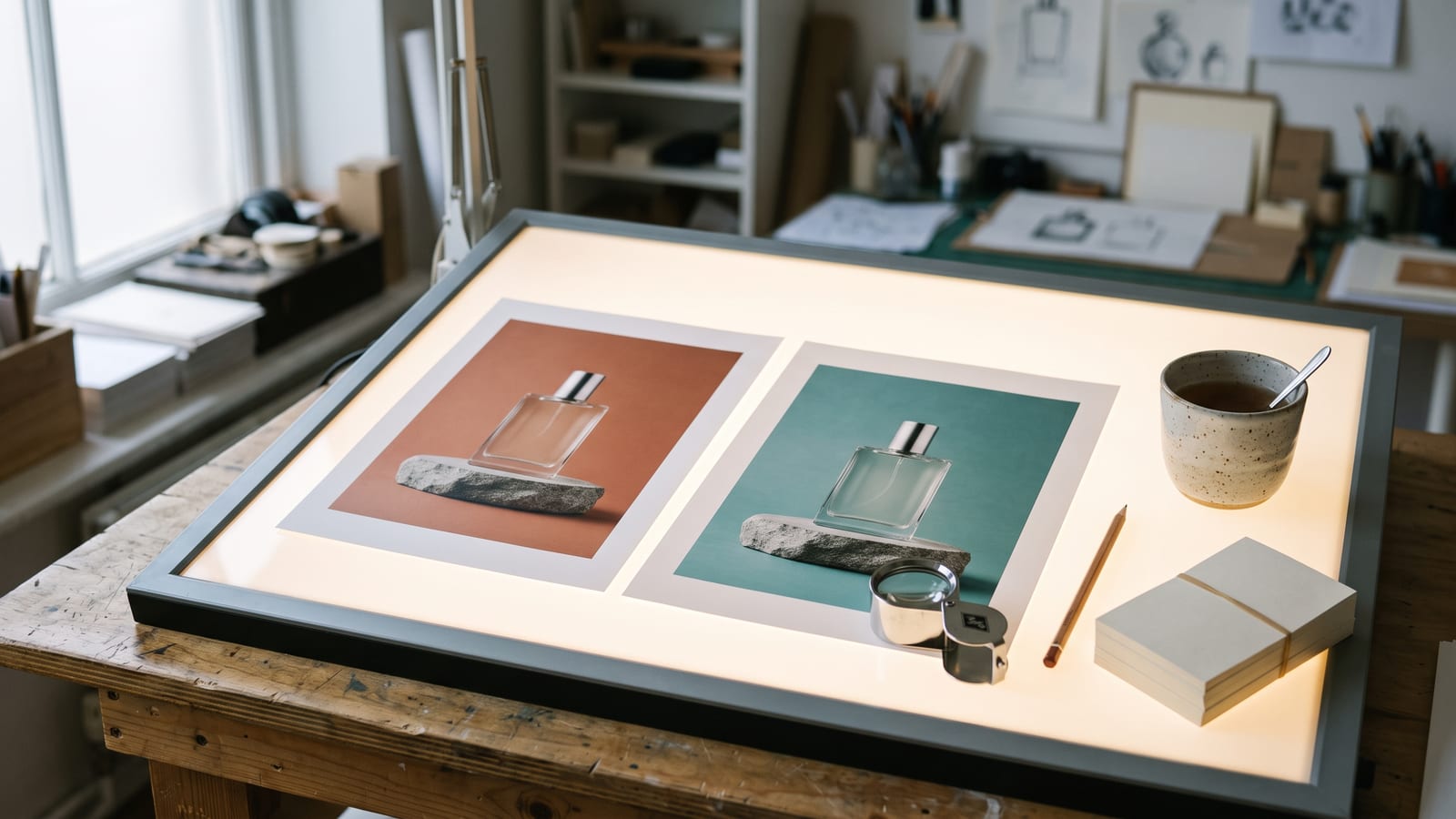
The test lives in Ads Manager, the pictures came from Gemini, Higgsfield or ChatGPT, and the files are in Downloads. A month later, “the teal one won” means nothing unless you can find the teal one and remember how it was made. Name each version for the one thing it changes (perfume_bg-teal, perfume_bg-terracotta) and use the same name in Ads Manager. Our guide to where AI work is saved covers how long each platform keeps it.
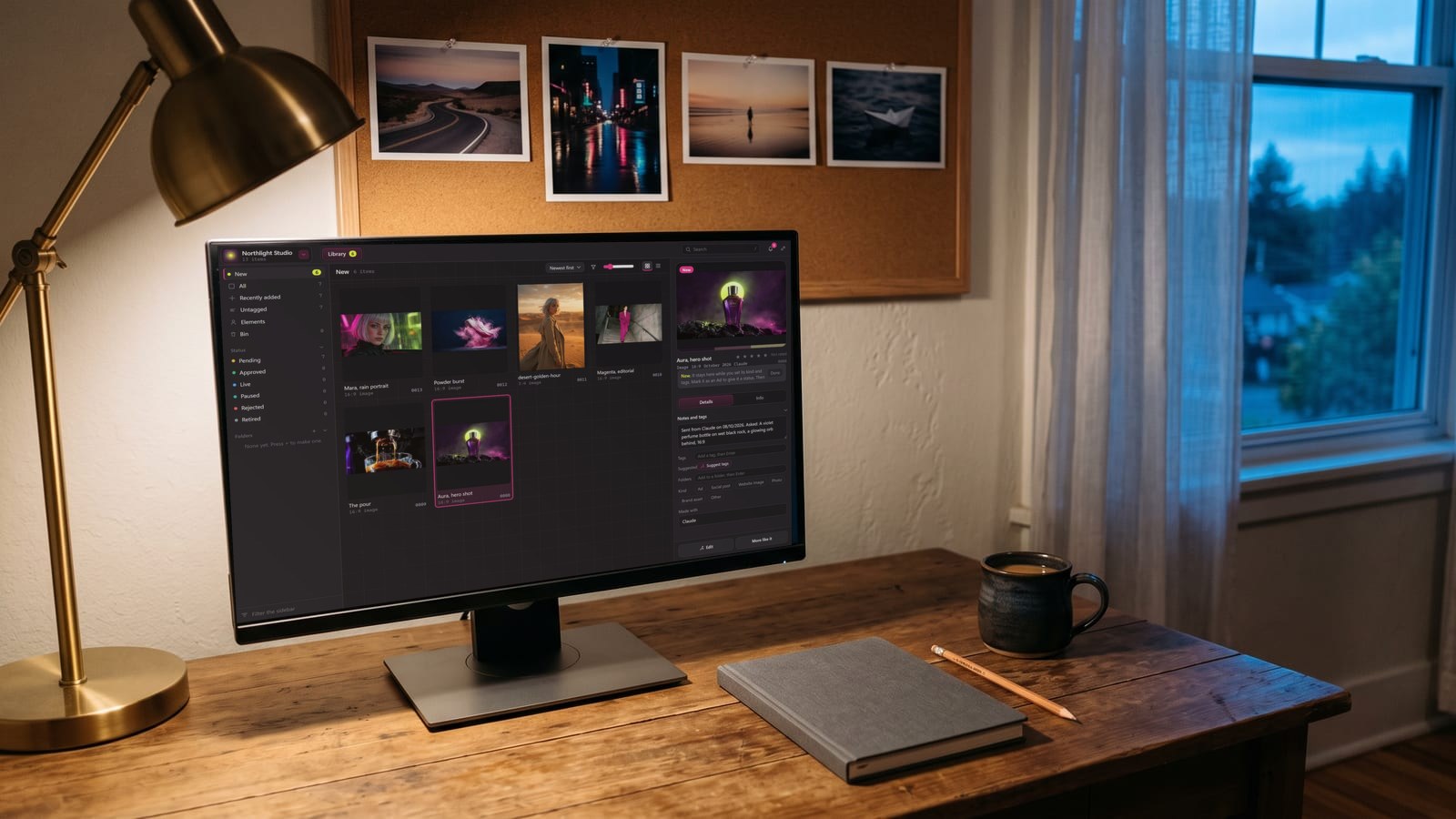
We built BosOn for the keeping part. It files what you make from its Create screen named, dated and marked with the model, keeps it with everything else you’ve made in one library, and lets you mark a piece as an ad and follow it from Pending to Approved to Live. Sending ads to your Meta ad account, with results on each card, is Coming with early access (see the integrations page). BosOn is a desktop app for Windows and Mac, in early access.
Questions people also ask
How many creatives can I test at once on Meta?
In a creative test, Meta's help page (read 16 October 2026) says you can make 2 to 7 copies of an ad and compare them. Articles from 2025 say five, which was the limit then. In an A/B test you compare two or more campaigns or ad sets.
How long should a Facebook ad A/B test run?
Meta recommends at least 7 days, and an A/B test in Ads Manager can be scheduled for 1 to 30 days. If your customers usually take more than a week to buy after seeing an ad, Meta suggests running it longer, such as 10 days.
How does Meta decide which ad won?
In an A/B test, Meta compares the cost per result of each version, then simulates possible outcomes tens of thousands of times to give a winner with a confidence percentage. A creative test names top performers against your chosen metric but gives no confidence level.
Does Meta label ads made with AI?
Yes. Meta's help centre says ad images created or significantly edited with its own generative AI features, or created or edited with third-party AI tools, are labelled AI info. The label is in About this ad behind the three-dot menu, and sometimes next to Sponsored. Small changes such as resizing or colour correction usually aren't labelled.
Can I test ads by putting several in one ad set?
You can run several ads in one ad set, but that isn't a controlled test: Meta's machine learning decides which ad to show each person, so the ads don't get an even share. For a fair comparison, Meta recommends its A/B test, which splits the audience so nobody sees both versions, or a creative test.
Sources
- Meta Business Help Centre: About A/B testing
- Meta Business Help Centre: Create an A/B test in Ads Manager
- Meta Business Help Centre: Selecting a variable for your A/B test
- Meta Business Help Centre: What are best practices for A/B tests for Meta ads?
- Meta Business Help Centre: How winning campaigns are determined in A/B tests without a holdout
- Meta Business Help Centre: Viewing and understanding A/B test results
- Meta Business Help Centre: Tips for improving A/B tests
- Meta Business Help Centre: Set up a creative test in Meta Ads Manager
- Meta Help Centre: How AI-generated images in ads are identified and labeled on Meta
- Meta: Expanding GenAI transparency for Meta's ads products (3 February 2025)
- Jon Loomer: Meta's creative testing tool, setup, strategy and results (13 October 2025)
Keep reading
All guides


Make it anywhere, find it in BosOn.
Every picture, video and sound you make with AI, in one library on your computer.
Request early accessNight drive, made with Kling 3.0 from a GPT Image 2.5 still