
OpenArt or Higgsfield: which suits which creator?
OpenArt suits people telling stories: its Director makes multi-scene videos by chat, with characters, 3D worlds, voice and music in one place. Higgsfield suits people directing shots and making ads, with Cinema Studio, Marketing Studio and Soul ID. This guide sets them side by side from their own pages, as of 10 October 2026, without the price tables that date within weeks.
Two all-in-one platforms that lean different ways
Search “OpenArt vs Higgsfield” and you’ll find a page of comparisons that mostly argue about plan prices, which change every few weeks. The more useful difference is what each platform is built around, and both say it in their own words.
OpenArt calls itself, on its home page, an “all-in-one AI creation platform that brings characters, stories, brands, and worlds to life”, and its tagline is “Where Ideas Become Visual Stories”. Its centrepiece is Director, which makes whole videos by chat.
Higgsfield calls itself, in its help centre’s What is Higgsfield? (updated 14 September 2026), “an AI-native creative suite”: its own tools for video production, keeping a character consistent and making ads, with other makers’ models under one subscription.
From their own pages, read on 10 October 2026:
| OpenArt | Higgsfield | |
|---|---|---|
| Built around | Stories: Director makes multi-scene videos by chat | The shot and the ad: Cinema Studio and Marketing Studio |
| Video | Video generator up to 15 seconds and up to 4K; Director for longer, multi-scene pieces; motion control, VFX, video relight | Cinema Studio (camera, lens and light, multi-shot scenes), effects presets, Katana and Genjutsu edits |
| Ads | UGC, product and branding ads as Director starting points | Marketing Studio: a video ad from a product link or picture, with audio and lip sync; Ads Studio for statics |
| Characters | Character Builder, from reference pictures or a text brief | Soul ID (a character trained from photos) and AI Influencer |
| Worlds | OpenArt Worlds: navigable 3D environments from a prompt or pictures | Not a feature it lists |
| Audio | Voiceovers in 30+ languages with lip sync, music, sound effects, voice cloning | Higgsfield Audio: voiceover, voice cloning and translation |
| Models include | Seedance 2.5, Kling 3.0, Veo 3.1, GPT Image 2.5, Nano Banana 2, Seedream, Wan, Grok Imagine and more | Seedance 2.5, Nano Banana 2.1, Kling, Veo and more, plus its own Soul models |
| Agents and assistants | MCP for Claude and a ChatGPT plugin; a command line | Supercomputer (paid plans), MCP for Claude and ChatGPT, a command line with skills |
| Where it runs | Desktop and mobile browsers; a mobile app is “under consideration” | The website only; no desktop or mobile app |
For prices and credits, see OpenArt’s pricing and Higgsfield’s pricing on the day you decide. One detail from OpenArt’s help centre worth knowing first: its subscriptions are billed in US dollars, with no country-specific pricing.
OpenArt Director, and why people search for it
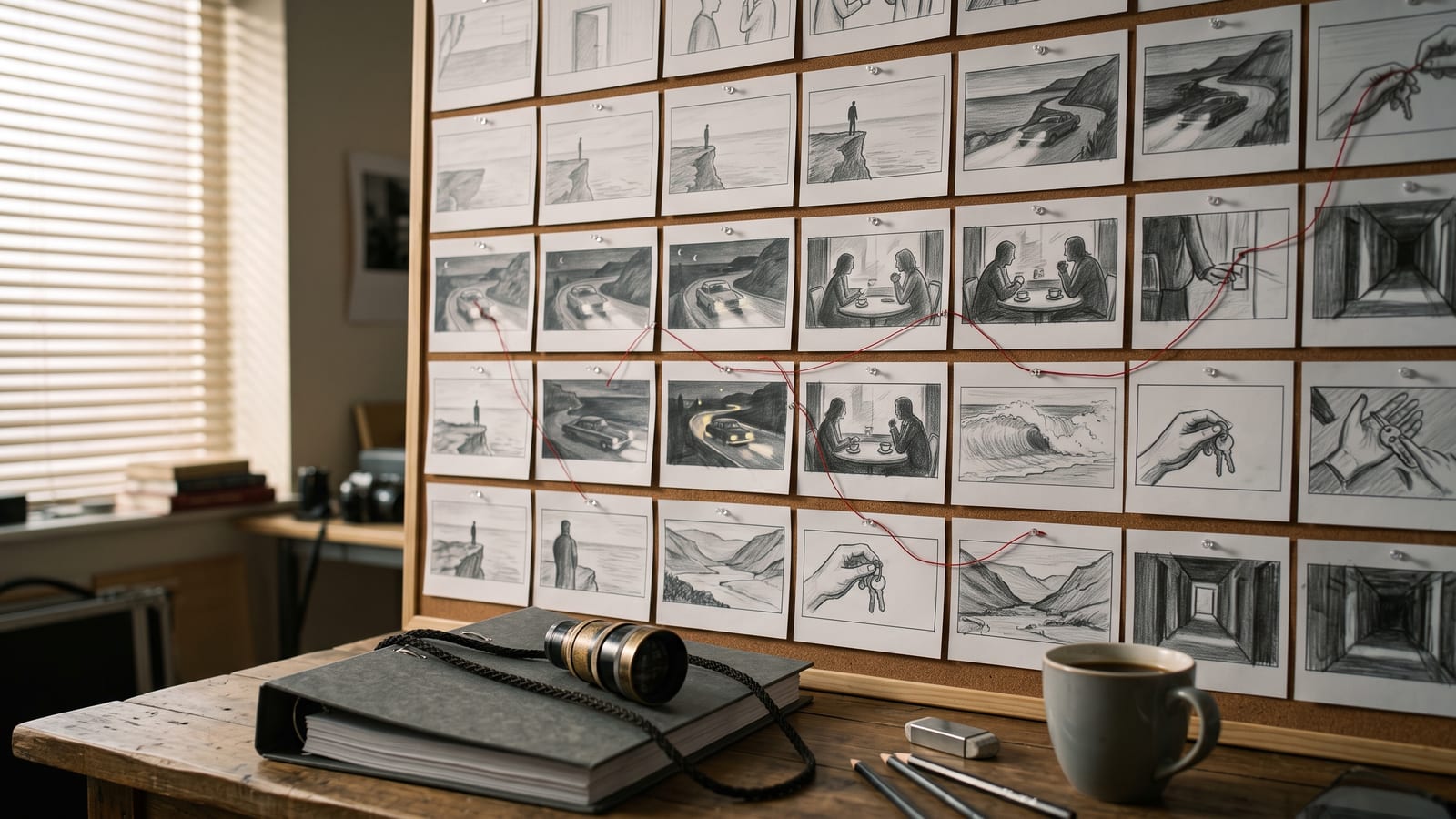
OpenArt’s Director is the feature most people are looking up. OpenArt describes it as a way to “vibe direct your videos by chatting”: you lay out a storyboard, shape each shot in plain language, and it generates, edits and stitches image, video, voice and audio together without leaving the platform. You can start from a template for a short film, a music video synced to a track, UGC ads, product ads, branding ads, a film trailer, an explainer or a micro drama, and keep your projects in Director Projects.
That’s the strongest reason to choose OpenArt: if what you make is a story with several scenes, Director treats the whole piece as the unit, not the single clip. Alongside it, Character Builder keeps a face consistent across scenes, and OpenArt Worlds lets you build a 3D environment once, place characters in it and take stills or shots from any angle.
Where Higgsfield is the stronger choice
Higgsfield’s guide, Which Higgsfield tool should I use? (updated 1 September 2026), maps its tools to jobs:
- Directing the shot yourself. Cinema Studio is for “precise control over camera, lens, and light”, with multi-shot scenes and physics-aware motion. If you think in camera moves rather than storyboards, this is the closer fit.
- Ads from a product. Marketing Studio turns a product link or picture into a video ad in UGC, unboxing, tutorial or TV spot styles, with audio and lip sync.
- One face across a body of work. Soul ID trains a character from photos, and AI Influencer builds a virtual creator for ongoing content.
- Handing over the whole brief. Supercomputer plans a project from plain language, makes the assets and can run recurring tasks; the guide says it’s on paid plans.
- Inside your editor. Official plugins put Higgsfield tools in Premiere Pro and After Effects.
Neither platform has a desktop app: OpenArt’s help centre says it runs in desktop and mobile browsers, and Higgsfield’s says the website is its only official platform. Our guide to using Higgsfield like a desktop app shows the browser’s own way to give either its own window, and why to be wary of downloads using their names.
If you use both, keep the work in one place
The two overlap enough that most people pick one as their main platform, but creators who make both stories and ads often keep both. Then the practical problem isn’t which is better; it’s that your work is split between two accounts, two libraries and your downloads folder.
That’s what we built BosOn for: a desktop app for Windows and Mac that keeps everything you make with AI in one library on your own computer, whichever tool made it, and finds a picture by what’s in it. It works with your Higgsfield plan and the Higgsfield API today, so it can run Higgsfield’s models and bring in what’s already in your Higgsfield account with one click. OpenArt doesn’t connect to BosOn; drop your OpenArt downloads in, or link the folder you save them to, and they sit next to everything else. What BosOn connects to is on our integrations page.
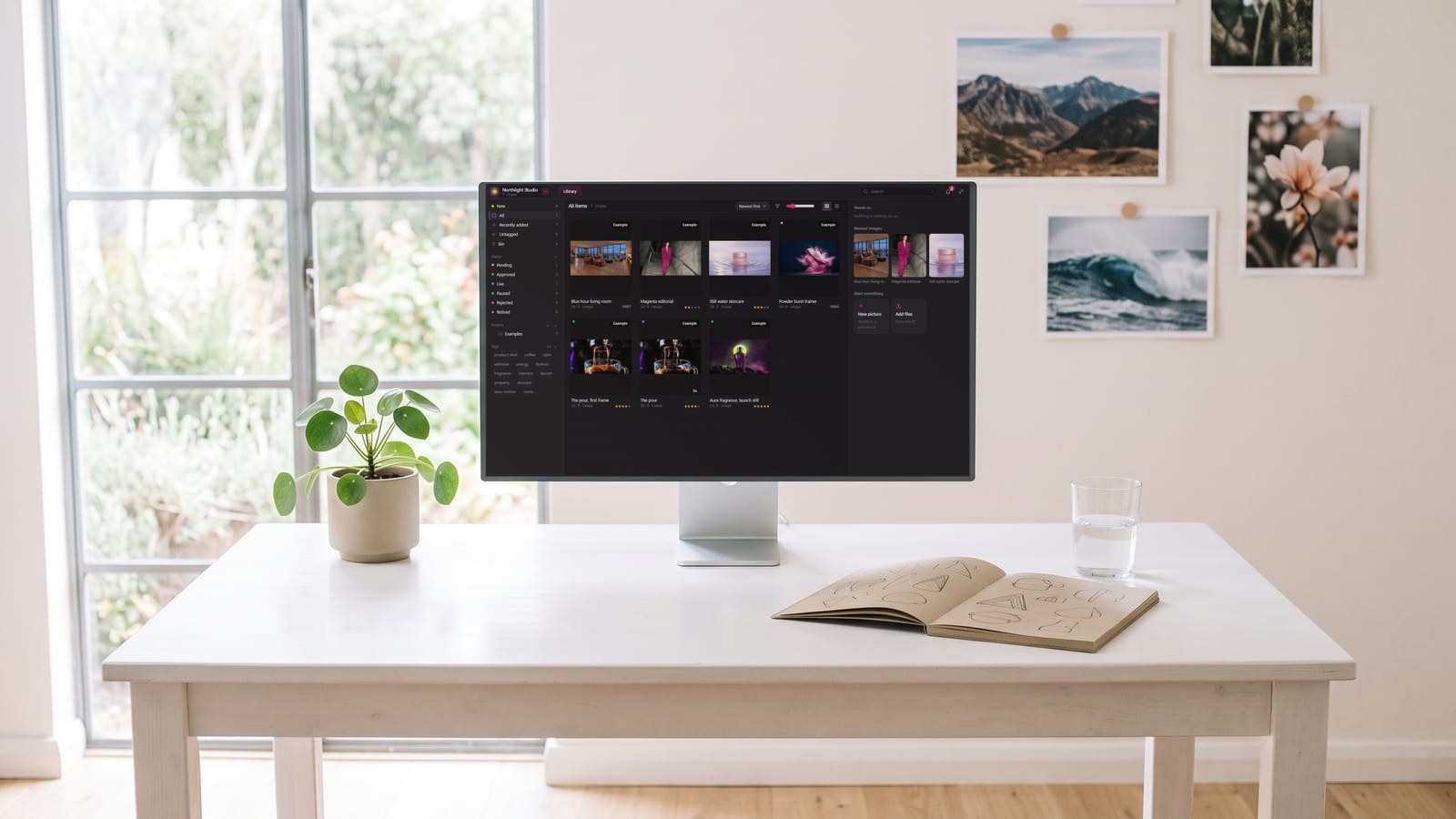
BosOn is independent and isn’t affiliated with OpenArt or Higgsfield. It’s in early access.
Which to choose
- Multi-scene stories, music videos, trailers or micro dramas: start with OpenArt and its Director.
- Cinematic shots where you set the camera, or video ads from a product: start with Higgsfield.
- Characters that carry across many pieces: both have a dedicated tool; try your own character in each.
- Not sure: both let you start free (OpenArt’s home page says “It’s free!”, and Higgsfield’s plugins page says you can sign up free with starter credits). Run the same small project through each before paying for a year.
Questions people also ask
Is OpenArt better than Higgsfield?
They lean different ways rather than one being better. OpenArt's Director builds multi-scene videos from a chat, with characters, 3D worlds and audio built in. Higgsfield gives more direct control of the shot in Cinema Studio and makes video ads from a product link in Marketing Studio. Pick by the work you make most.
What is OpenArt Director?
OpenArt Director is OpenArt's tool for making whole videos by chatting: you lay out a storyboard, shape each shot in plain language, and it stitches image, video, voice and audio together. OpenArt offers starting points for short films, music videos, UGC and product ads, trailers, explainers and micro dramas.
Does OpenArt have a desktop or mobile app?
OpenArt's help centre says it works in desktop and mobile browsers, best in Chrome or Safari, and that a mobile app is under consideration but not released. We found no desktop app on OpenArt's own site, so check the developer's name before installing anything called OpenArt.
Can I use OpenArt or Higgsfield inside Claude or ChatGPT?
Yes, both. OpenArt's MCP connector (mcp.openart.ai/mcp) and ChatGPT plugin, and Higgsfield's MCP (mcp.higgsfield.ai/mcp), let those assistants make pictures and video on your account after you sign in.
Which is better for consistent characters?
Both have a dedicated tool. OpenArt's Character Builder saves a character from reference pictures or a text brief to your library for use across pictures and video. Higgsfield's Soul ID trains a character from photos so the same face appears across pictures and video, and its AI Influencer builds a virtual character for ongoing content.
Sources
- OpenArt: home page (features and models)
- OpenArt: Help Center
- OpenArt: Director
- OpenArt: MCP and CLI
- Higgsfield Help Center: What is Higgsfield? (updated 14 September 2026)
- Higgsfield Help Center: Which Higgsfield tool should I use? (updated 1 September 2026)
- Higgsfield Help Center: What are the official Higgsfield platforms? (updated 24 September 2026)