
Is there a Leonardo AI app for PC or Mac?
Not for Windows: Leonardo's official apps are for iPhone, iPad and Android, so on a PC you use it in your browser at app.leonardo.ai. On a Mac with an Apple chip, the same iPad app installs from the App Store. This guide shows how to set up each, as of 10 October 2026, and why to skip the 'Leonardo for PC' downloads.
The short answer: phones and Apple chip Macs, not Windows
People search for a Leonardo AI app for PC, for Windows 10 and 11, and for Mac, and the answer is in the footer of Leonardo’s own site: it links to two apps, on Apple’s App Store and on Google Play. There’s no Windows download.
That doesn’t leave PC users short of anything. Leonardo is a web platform: everything is generated on its servers, so app.leonardo.ai in any modern browser is the whole of it, with nothing to install or update. And Mac owners have one more option than they might expect, because Apple lets iPad apps run on Macs with an Apple chip:
| Your computer | The official way | |
|---|---|---|
| Windows PC | app.leonardo.ai in your browser | Install it as an app in Edge or Chrome for its own window |
| Mac with an Apple chip (M1 or later) | The Leonardo.Ai app from the Mac App Store | Needs macOS 13 or later; or use the browser |
| Intel Mac | app.leonardo.ai in your browser | Add it to the Dock in Safari for its own window |
| iPhone, iPad, Android | The Leonardo.Ai app | iOS and iPadOS 16 or later |

On a Windows PC: install the website as an app
You can’t download Leonardo for Windows, but your browser can make it behave like an installed app, with its own window and a place on your taskbar.
In Microsoft Edge (Microsoft’s support page): go to app.leonardo.ai and sign in, then open Settings and more (the three dots), More tools, Apps, Install this site as an app. To pin it, go to edge://apps, choose Details on its card, then Pin to taskbar, Pin to Start or Create Desktop shortcut.
In Google Chrome (Google’s help page): go to app.leonardo.ai and sign in, then open More (the three dots), Cast, save and share, Install page as app. It opens from your desktop or taskbar, and all your installed apps are at chrome://apps.
It’s still the real Leonardo website, signed in as you, so new models and features appear the moment Leonardo adds them. To remove it, use Uninstall from Edge’s Details page or Chrome’s three dots menu.
On a Mac: the App Store app, or Safari
On a Mac with an Apple chip, open the App Store and search for Leonardo.Ai. The App Store listing, read on 10 October 2026, is Leonardo.Ai - Image Generator by Leonardo Interactive Pty Ltd, and says it needs macOS 13.0 or later and a Mac with an Apple M1 chip or later. It’s free to download, with in-app purchases for plans and tokens. Because it’s the iPhone and iPad app running on your Mac, it may feel more like a large phone app than a desktop one; if you prefer the full web layout, use the browser instead.
On an Intel Mac, or if you’d rather have the website: on macOS Sonoma 14 or later, open app.leonardo.ai in Safari and choose File, Add to Dock (Apple’s Safari web apps page has the details). It gets its own icon in the Dock and opens from Spotlight. Chrome’s Install page as app works on a Mac too.
Why to skip the “Leonardo AI for PC” downloads
Search for a Leonardo download for Windows and you’ll find two kinds of result worth avoiding:
- Android emulator pages. Sites for BlueStacks, MEmu and similar tools offer “Leonardo for PC”, which means running the Android app inside an Android emulator. That’s another company’s software on your computer, to get a phone-sized version of something your browser already runs in full.
- Things that only share the name. There’s an unrelated painting app called Leonardo, and download sites that list old or unofficial “desktop versions”. The official Leonardo app’s developer is Leonardo Interactive Pty Ltd, and Leonardo is owned by Canva; if a download doesn’t come from the App Store or Google Play under that name, it isn’t Leonardo’s.
Keeping your Leonardo work with everything else
A desktop app is often what people want for a different reason: somewhere on their own computer that holds their work. Leonardo keeps your generations in your account, and the app and the site can download them, but they sit apart from whatever you make in Higgsfield, ChatGPT, Gemini or anywhere else.
That’s what we built BosOn for, and to be clear, it isn’t a Leonardo app. It’s our own desktop app for Windows and Mac that keeps everything you make with AI in one library on your own computer, whichever tool made it, and finds a picture by what’s in it. Leonardo doesn’t connect to BosOn; drop your Leonardo downloads in, or link the folder you save them to, and they sit next to everything else. What BosOn connects to directly is on our integrations page.
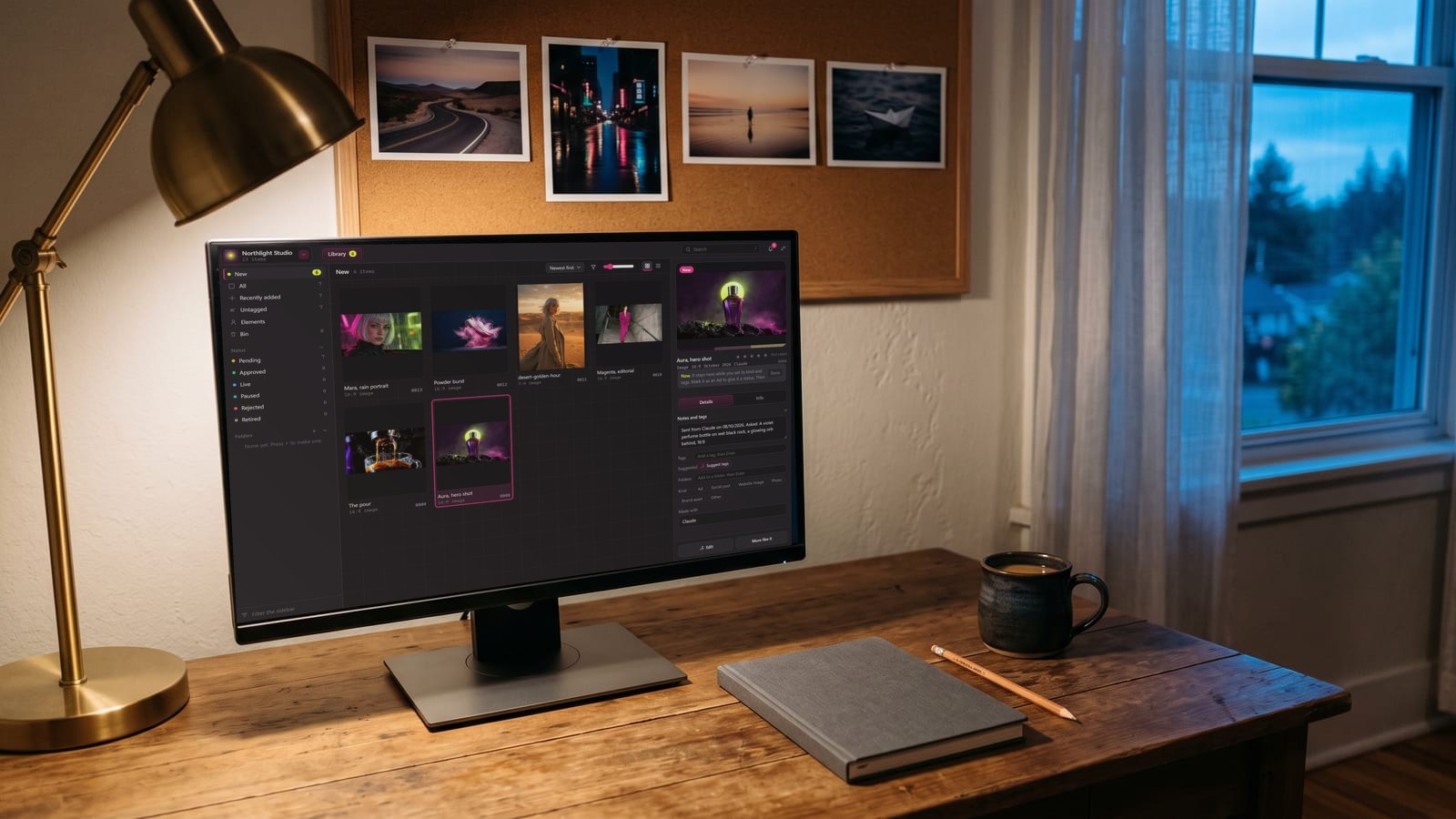
BosOn is independent and isn’t affiliated with Leonardo or Canva. It’s in early access. If you’re choosing between Leonardo and another platform, our guide to Leonardo AI or Higgsfield sets them side by side.
Questions people also ask
Is there a Leonardo AI app for Windows 10 or 11?
No. Leonardo's own site links to apps for the App Store and Google Play only. On Windows 10 or 11 you use Leonardo in a browser at app.leonardo.ai, and you can give it its own window with Edge's Install this site as an app or Chrome's Install page as app.
Is there a Leonardo AI app for Mac?
On Macs with an Apple chip, yes. Apple's App Store lists Leonardo.Ai - Image Generator, by Leonardo Interactive Pty Ltd, for Mac with macOS 13.0 or later and an Apple M1 chip or later. It's the iPhone and iPad app running on the Mac. On an Intel Mac, use the browser.
Is the Leonardo AI app free?
The app is free to download, with in-app purchases for paid plans and extra tokens, according to its App Store listing. Leonardo's site also lets you start free; see leonardo.ai/pricing for what each plan includes.
Can I run the Leonardo Android app on my PC with BlueStacks or MEmu?
Download sites suggest it, but those are Android emulators, not anything Leonardo provides, and they add another company's software to your PC. The browser at app.leonardo.ai gives you the full platform without them.
Who makes the official Leonardo AI app?
On Apple's App Store the developer is Leonardo Interactive Pty Ltd. Leonardo is owned by Canva, which announced the acquisition at the end of July 2024. Check that name before installing anything called Leonardo.