
Higgsfield Genjutsu vs Collider: the same edits, side by side
Genjutsu is Higgsfield's tool for changing what's in a video while keeping how it moves: swap a person or product, move the motion into a new scene, or restyle the whole clip. This guide sets out what it does from Higgsfield's own pages, then shows it next to Collider, the tool we're building into BosOn, on the same clips on 11 October 2026.
Genjutsu changes what’s in a clip and keeps how it moves
Genjutsu is Higgsfield’s tool for editing a video you already have, real or AI-made. Higgsfield’s launch post of 31 August 2026 says it “rebuilds part of a clip without a full reshoot”. It’s a genuinely useful idea: one good take, with its timing and camera work, becomes many versions for different products, people or places.
From Higgsfield’s own pages, read on 11 October 2026:
- Object Swap changes a chosen character, outfit, product, location or object and keeps the rest of the shot.
- Motion Transfer keeps the motion, camera and timing, and rebuilds the scene from your references.
- Restyle, listed in Higgsfield’s API docs, redraws the clip in one of its styles while keeping the motion, the framing and the clip’s own sound.
- Clips of 4 to 30 seconds; longer ones are trimmed to the first 30.
- References: up to 30 pictures on the website; the API takes 1 to 8 for Swap and Motion Transfer, and up to 5 for Restyle.
- No prompt needed: a preset alone works, or add a short description. Output goes up to 1080p.
Higgsfield’s Genjutsu page also says results can be published on organic and paid channels, subject to its terms.
Collider: our own version, coming to BosOn
We liked the idea so much we built our own. Collider is a tool in BosOn, our desktop app for Windows and Mac, and it arrives in the update after build 657. It does the same three jobs, built differently:
- Swap puts a new person or product into the clip, keeping the place, the light and every step.
- Copy the moves keeps only the motion: your person, their outfit, what they hold and where they are all come from your pictures, moving exactly as the clip moves.
- Restyle redraws the whole clip in one of BosOn’s own looks, or a picture of your own, keeping every person and camera move.
The difference is the brief. Claude watches the clip and writes what to keep and what to change, naming each element, and you can edit it before anything is made. Longer clips are made in pieces and joined, and the price shows first. It runs on your own Higgsfield plan or Higgsfield API key.
The same edits, side by side
On 11 October 2026 we gave both tools the same clips and pictures: our own AI-made clips of a woman on a stairwell and a car in the rain, and a still of a woman with a platinum bob. No real people. Everything ran on our Higgsfield plan, once each. Collider’s results were made the way Collider makes them, with the same settings and brief; Genjutsu’s were made in Genjutsu and are shown as they came. Times are from start to finish.
Swap: put the woman with the platinum bob into the stairwell clip. Collider swapped her in and kept the magenta suit, as the brief asked. Genjutsu swapped the whole person, clothes and all.
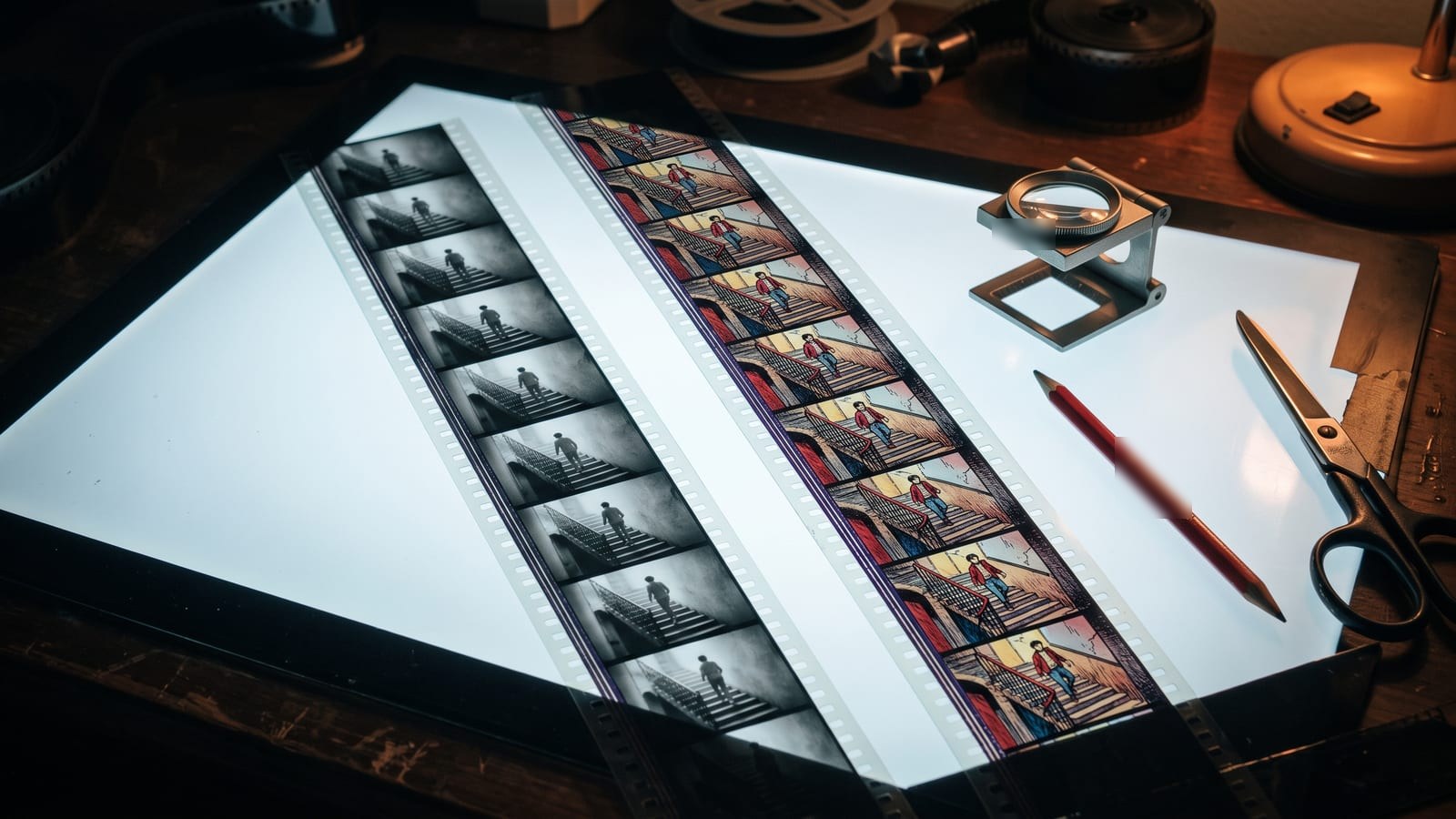
Restyle: the car in the rain, as a comic. Each tool has its own looks, and Genjutsu’s list, when we ran it, had no Comic Book, so each used its nearest. Collider’s Comic Book redrew the whole street in ink. Genjutsu’s Comic 3D is a lighter grade that stays close to the clip.
What the runs showed
| Edit | Collider | Genjutsu |
|---|---|---|
| Swap | Kept the suit, as asked; 10 credits; about 6 min | Swapped the whole outfit; 42 credits; about 7 min |
| Restyle | Redrew the whole scene; 12 credits; about 5 min | Stayed close to the clip; 37 credits; about 4 min |
| Both | 22 credits | 79 credits |
These are single runs on five-second clips, so treat them as a fair look, not a benchmark. Credit costs change: see Higgsfield’s pricing page.
Where Collider did better: it followed what we asked (keep the suit), redrew the whole scene when asked for a comic, and used fewer credits.
Where Genjutsu did better: it needs no words at all. Swap carried the whole person and their outfit with nothing to set, its restyle was a minute quicker, and when you want a restyle that stays close to the original, its lighter touch is the right one.
Which to use
- Use Genjutsu if you want it now, with no words or set-up: upload a clip, add your references, pick a preset. It’s on Higgsfield today, and its Swap is the simpler way to carry a whole person and their look into a shot.
- Use Collider when the details matter: keep this, change that, put it in this place. It’s for people who’d rather say exactly what they want, see the price first, and keep the result with the rest of their work.
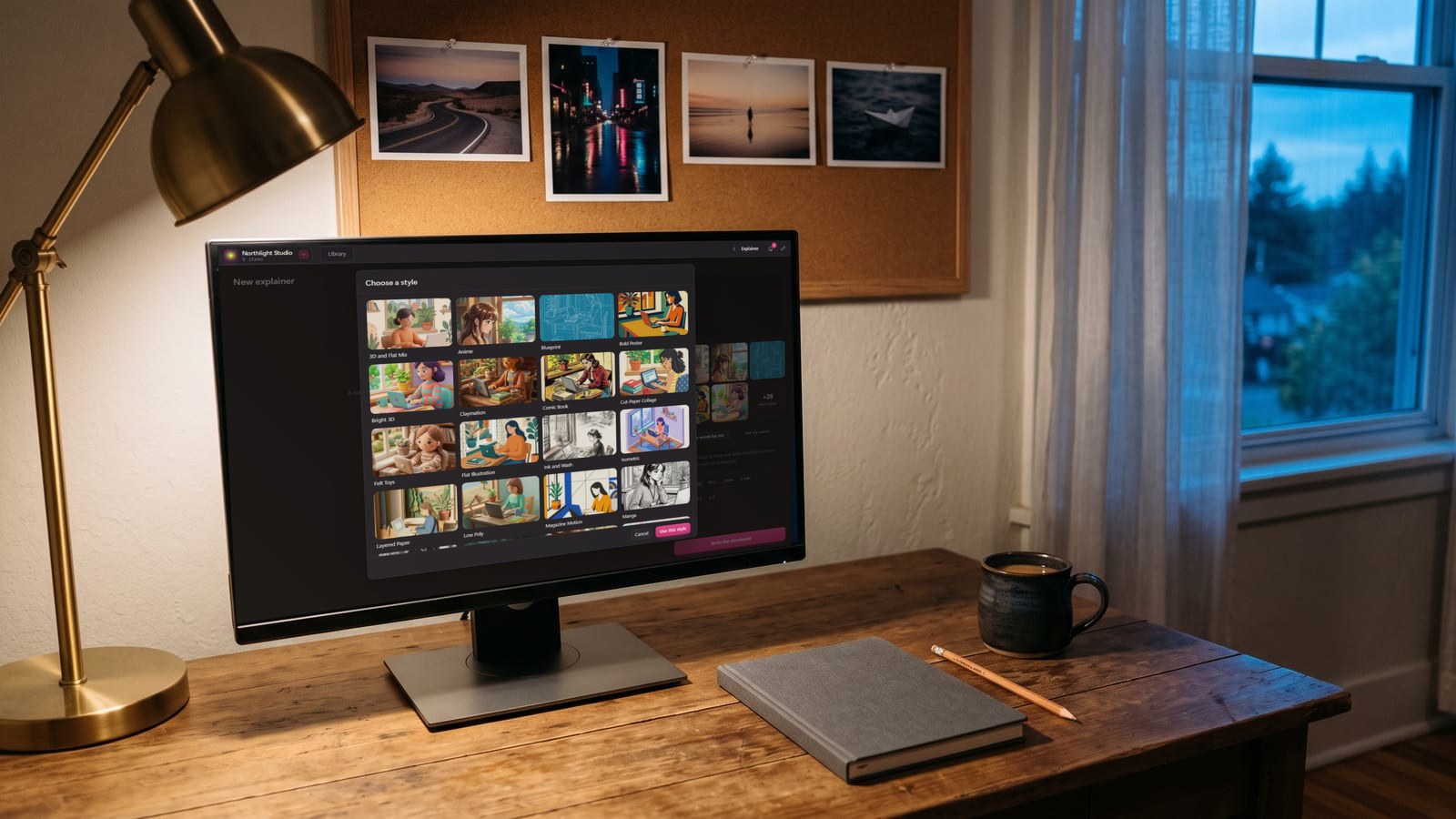
Collider will sit beside Genjutsu in BosOn’s Create screen, so you’ll be able to use either on the same clip, and what you keep goes into one library on your own computer. Its Restyle uses the same looks as BosOn’s Explainer Studio, which you can see on our Create page. Higgsfield’s plan and API are both Ready on our integrations page.
Genjutsu is Higgsfield’s own product. BosOn is independent and isn’t affiliated with or endorsed by Higgsfield.
Questions people also ask
What is Higgsfield Genjutsu?
Genjutsu is Higgsfield's video-to-video tool, announced on 31 August 2026. It changes part of an existing clip without a reshoot: Object Swap replaces a person, outfit, product or object, Motion Transfer keeps the motion and camera and rebuilds the scene from your references, and Restyle redraws the clip in a new style. Clips can be 4 to 30 seconds, and a text prompt is optional.
Is Higgsfield Genjutsu free?
No. Genjutsu generations use credits on Higgsfield, or the API balance through Higgsfield's API. In our runs on 11 October 2026, a five-second clip used between 35 and 42 plan credits. See Higgsfield's pricing page for the current plans.
What is a good alternative to Higgsfield Genjutsu?
Collider, BosOn's own version, does the same three jobs (Swap, Copy the moves and Restyle) with a written brief you can edit and BosOn's own looks, on your Higgsfield plan or API. It comes to BosOn in the update after build 657. In our side by side it followed the brief more closely and used fewer credits, while Genjutsu needed no words.
Can Genjutsu change the background of a video?
Higgsfield says Motion Transfer keeps the motion, camera and timing and rebuilds the scene from your references, while Object Swap keeps everything except the element you choose.
When is Collider available?
Collider comes to BosOn in the update after build 657, on Create and on any clip on a board. BosOn is in early access for Windows and Mac, and Collider runs on your own Higgsfield plan or Higgsfield API key.